

I’ve given this talk on my feelings about AI and coding quite a few times (mostly recently for an ASA webinar), and I’ve decided I need to stop giving it and do something new. So to force myself to do that I’ve written it up for you all 🙂.
Before I get into the context, you might be interested in the process, since it also leans heavily on AI:
I started by asking Claude to download the video from youtube, since I can never remember how to do it myself.
Then I used MacWhisper to create a transcript, and saved the slides from my keynote presentation as individual PNGs.
Next I did a few rounds of cleanup with Claude, first asking it to read my slides (so it know what terms I’m saying), then asking it to fix transcription errors, break it into paragraphs, and remove disfluencies (like “ah”, “um”, etc). I used git and committed each step so I could see exactly what it was doing.
Then I turned the plaintext transcript in to markdown, enriching it with links and asking it to insert the slides at the appropriate place (which it did remarkably well).
At this point, I realised I gave a live demo, so there was a long chunk of text with no slides. So I asked Claude to extract screenshots from the video, based on the original timestamps from the transcript.
I finished it off with a thorough personal read, lightly tweaking the text to ensure it captured what I actually meant not what I said.
Overall, probably an hour or so of work, which is vastly faster than would ever have been possible before!
Today I wanted to share my thinking about AI. I’m someone who writes a lot of code, and it’s really changed the way that I produce R packages, but I still fundamentally believe that code is super important. So that’s something we’ll talk through today.
Big picture

I want to start with the big picture. The first thing: no matter how you feel about AI, the genie is out of the bottle and it’s not going back in. I still feel fundamentally ambivalent about AI. Obviously it can be a tremendous lever in writing better code, but there are also so many negative things, from the environmental impact to increasing the concentration of wealth. And it’s all built on the theft of intellectual property on an unprecedented, industrial scale. So there are lots and lots of bad things about AI, and I still feel conflicted about my use of it, but it also feels like something that we all have to deal with. It’s coming, like it or not. We can’t put the genie back in the bottle.

But on the plus side, I think you can actually have a great time with AI. It can be genuinely fun and genuinely empowering.

For me personally, this was changing how I think about producing code. No longer is it me typing code directly into the computer; now I’m having this conversation with a robot (Claude, in my case) that’s interpreting my thoughts and providing a remarkable iterative feedback loop that I still find really rewarding.
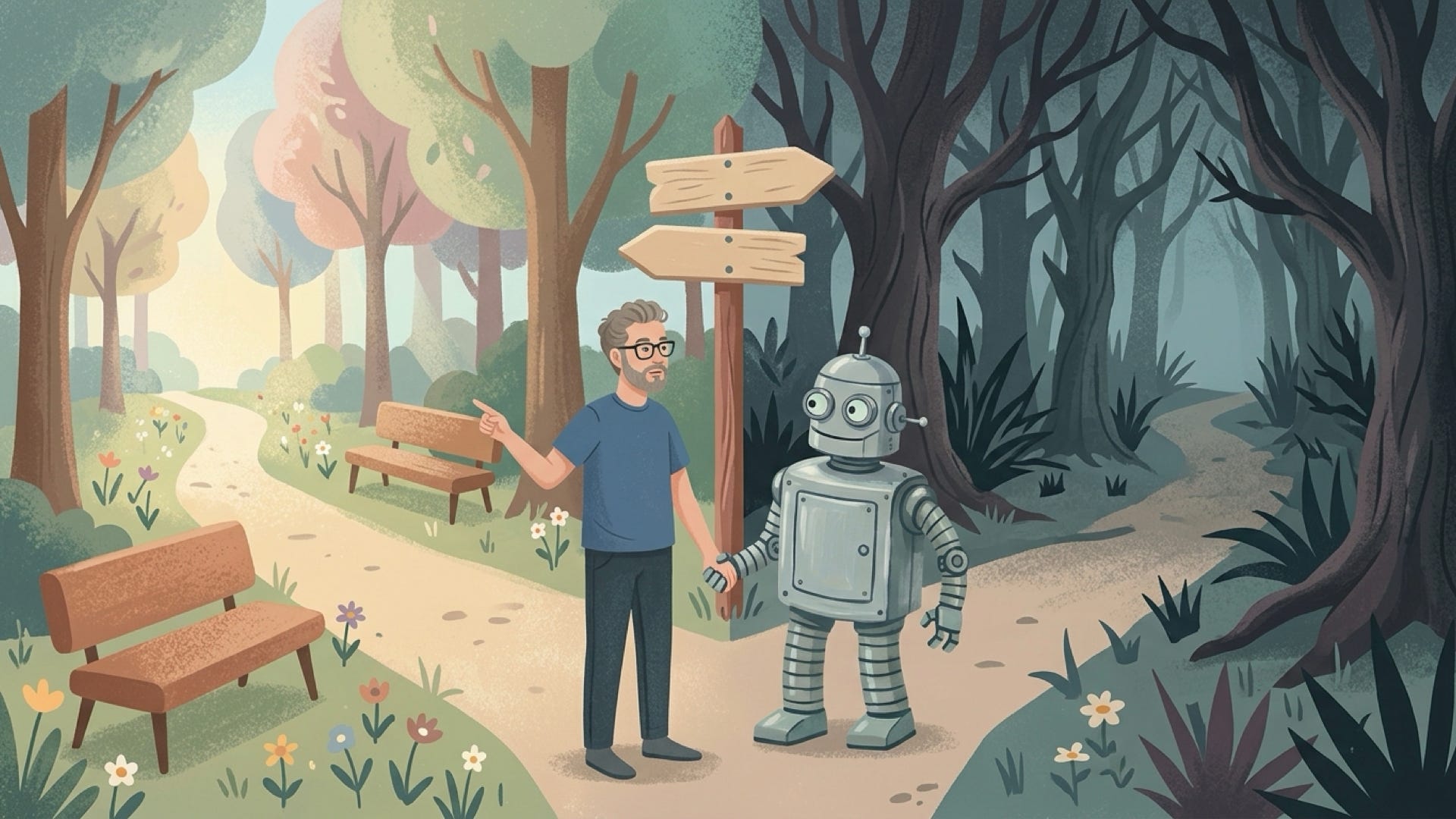
But there’s a fork in the road — there are two paths you can take when using AI to produce code. The first is the one you probably hear the most about in the media.
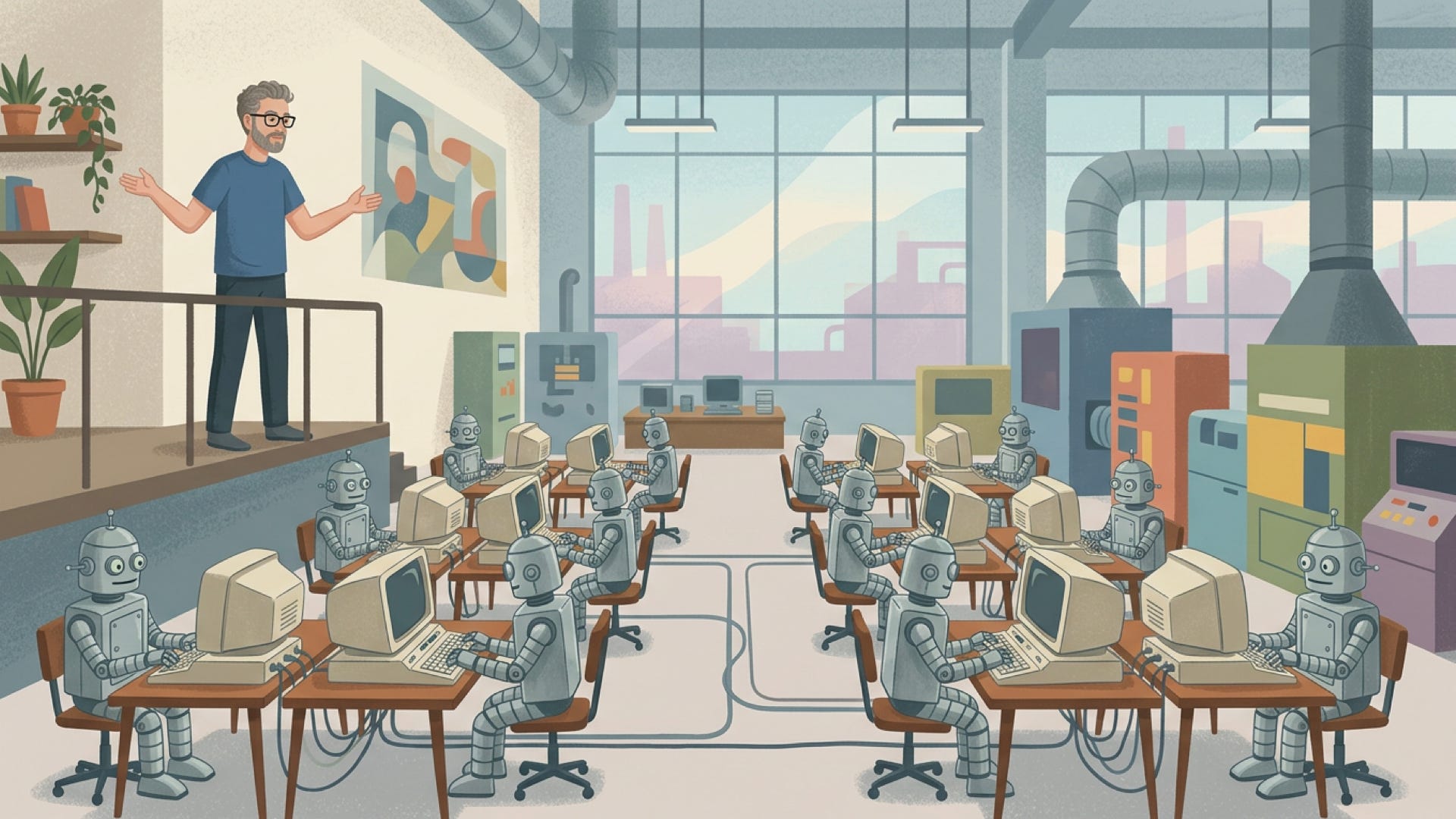
This is the “software factory” where you become the manager of a factory of robots who are constantly beavering away day in, day out, and you’re frantically trying to feed them with as many good ideas as you possibly can. Taken to its extreme, this leads to something pretty dystopian.
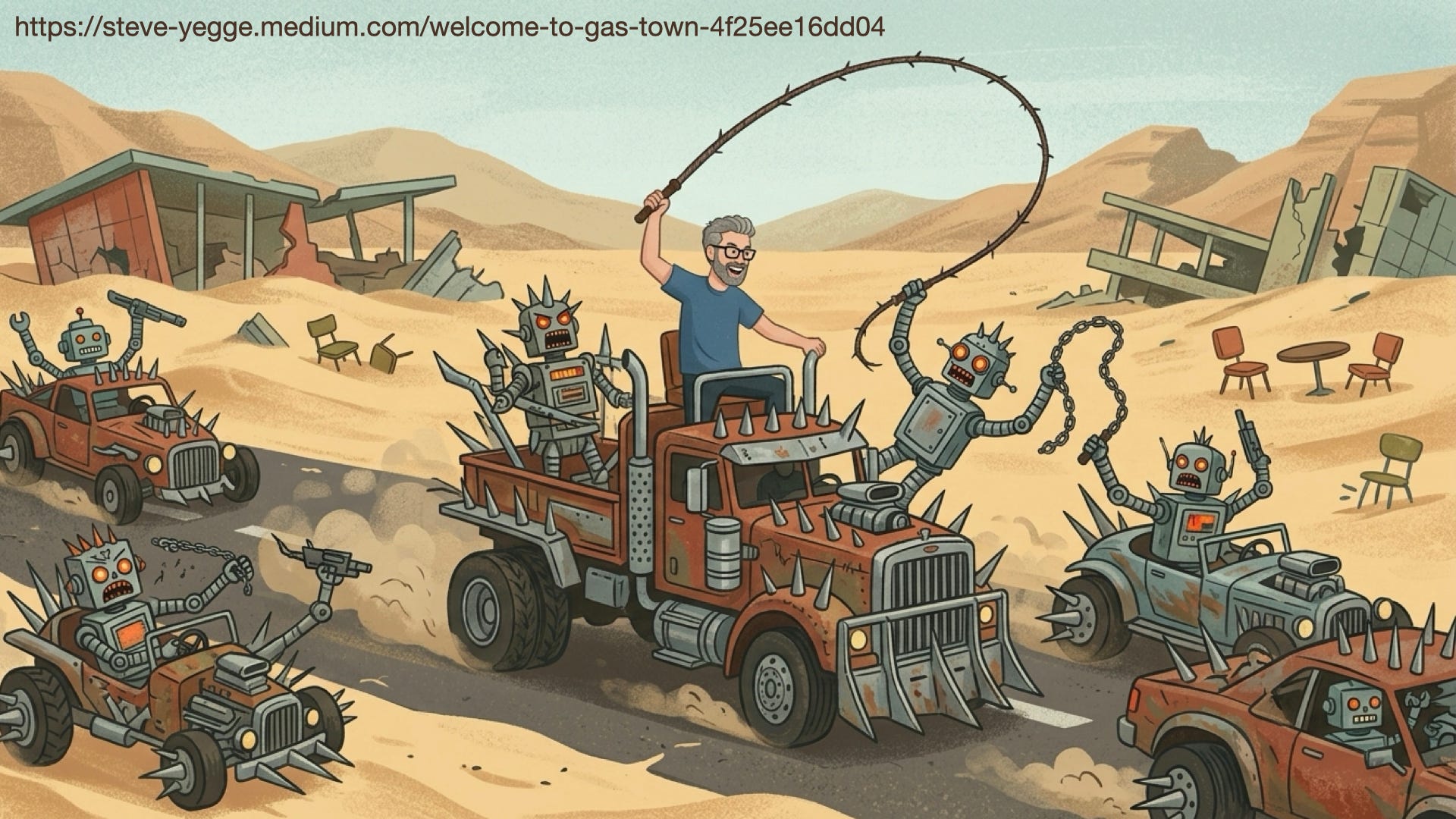
I don’t know if any of you are aware of Steve Yegge, but he’s a pretty famous software engineer. His “Gas Town”piece depicts this dystopian future where all you’re doing is trying to optimize the sheer volume of code that you produce, and every problem you create with agents you solve with yet more agents.
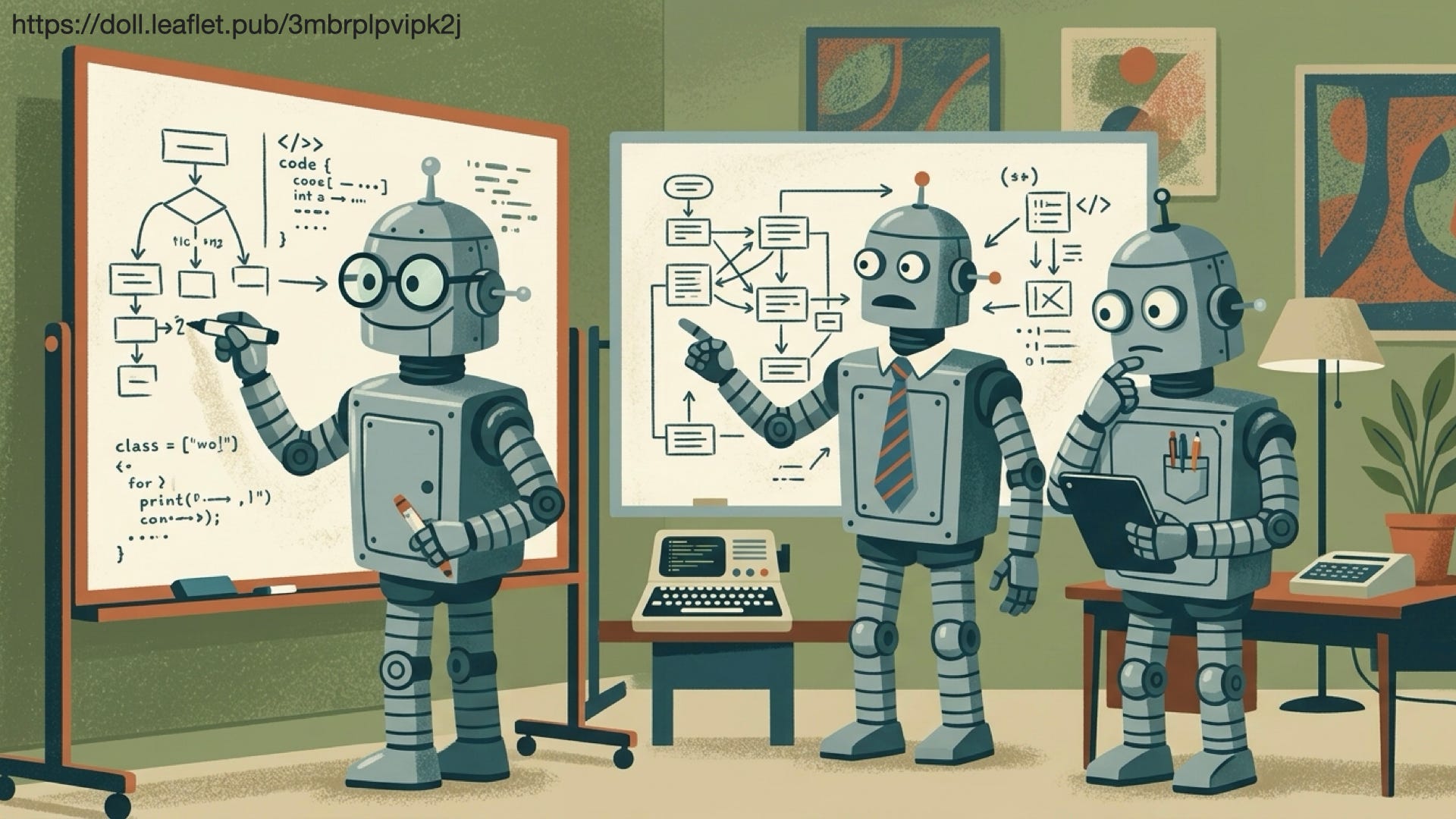
But that’s not the only way forward. There’s also a way forward where you use AI to write higher-quality code, which for me is typified by Doll’s writing.
One of the things that’s really interesting as we learn more about using AI for high-quality software engineering is just how many of the existing best practices — things like good documentation, strong tests, and caring about how your code is organized — continue to be really, really important. And the good news is that they’re more accessible than they used to be. As the cost of writing code goes down, you can spend more time (or more of Claude’s time!) architecting your code so it’s easier to understand and easier to modify in the future.

For me, the thing that’s most important to hold onto is that regardless of how the code is produced, it’s still yourwork. You are responsible for the work that you and AI do together.

If you choose not to intellectually engage, you can churn out mediocre work faster than you ever could before. But that’s not the only option. If you really engage deeply, I truly believe that you can produce higher-quality work than you ever have before.
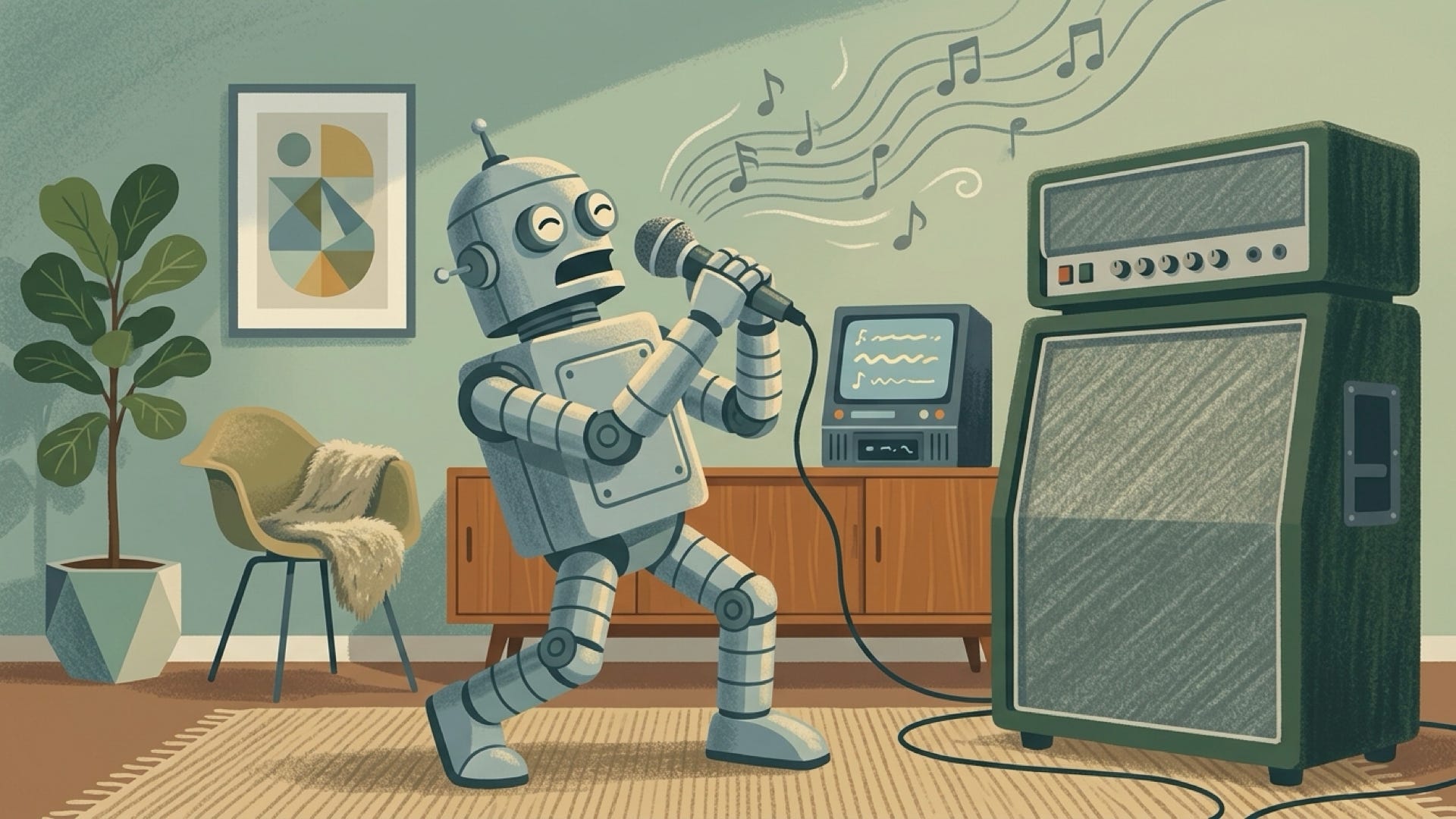
At the end of the day, I think the best metaphor for AI is that it’s an amplifier. If you want to be lazy, you can be more lazy with less effort than at any other time in human history; you can solve problems with zero intellectual engagement. But you don’t have to do that, because AI can also amplify the best of you. You can use it to go deeper, to engage more in any of the domains that you’re working in.
For me, this resonates with my favorite Tukey quote about how statisticians get to play in everyone’s backyard. AI gives us the ability to play in even more backyards, and to play with more skill than we could before.
To me, that’s one of the reasons I think statisticians and data scientists are well poised to do well in this era of AI. We have the skills to program, and these skills are now massively amplified — if you know how to program in one language, you can now effectively program in any language. We have this deep, ingrained skepticism about where data is coming from: who collected it, why did they collect it, what are the things we need to worry about? And we have this understanding of variation, which I think is so important with LLMs, since they’re fundamentally stochastic machines. So LLMs and AI are, I think, a massive amplifier. You can certainly use them to amplify the worst aspects of yourself, but you can also use them to amplify the best aspects.
Practical advice
Now I want to turn my sights on something a bit more practical. I want to begin with a bit of level setting; there’s so much variation in what people understand about AI and LLMs, and the best practices are changing at a frantic rate. If you’re basing your opinions on AI as of six months or a year ago, that’s badly outdated. So I want to give you some concrete advice about the things that I, my team, and the folks I talk to find most impactful.
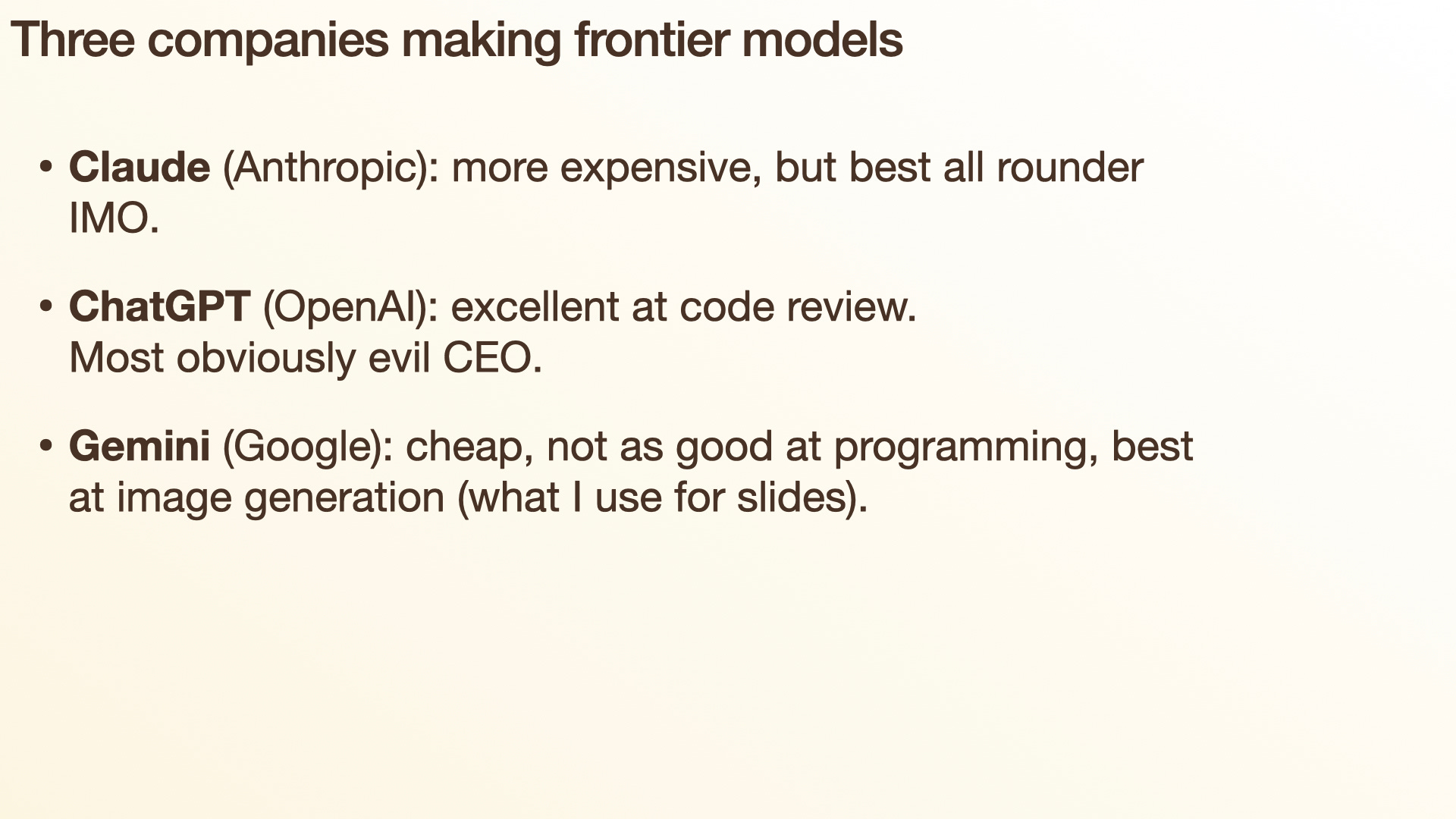
First, there are three companies producing these so-called frontier models, the best of the best. The first, and my personal favorite, is Anthropic, who produces Claude. It tends to be a bit more expensive than other models, but in my opinion it’s the best all-rounder. It’s certainly the model I find best at writing R code — it produces probably 90% of the R code I write today. The responses aren’t always great, but they’re often surprisingly insightful and knowledgeable. It’s surprisingly dumb at other times, but we’ll come back to that later and talk about how you protect yourself from that kind of dumbness.
Then we’ve got ChatGPT, produced by OpenAI. I hear a lot of positive things from my colleagues, particularly for using it for code review. The downside of ChatGPT is that it has the most obviously evil CEO — which isn’t to say any of these CEOs are good, but ChatGPT’s CEO appears to be particularly, obviously, not good.
And finally you’ve got Gemini, by Google. I think it’s in a distant third place right now. But that’s an advantage for you: Google desperately wants to stay relevant and has huge buckets of money to spend, so if you’re trying to save money, Gemini is pretty good and quite cheap. It has a good free plan and you can get a lot done with Gemini without spending much money. It’s also really good at image generation. That’s what I use to produce all of the images in the slides I showed earlier — and, of course, because I’m me, that’s now all automated in an R package called bananarama.
So those are the frontier models — the best, and the most expensive (to create and to consume). On the other hand, you’ve got open models, sometimes also known as local models, because these are models that you can actually download and run on your own computer.
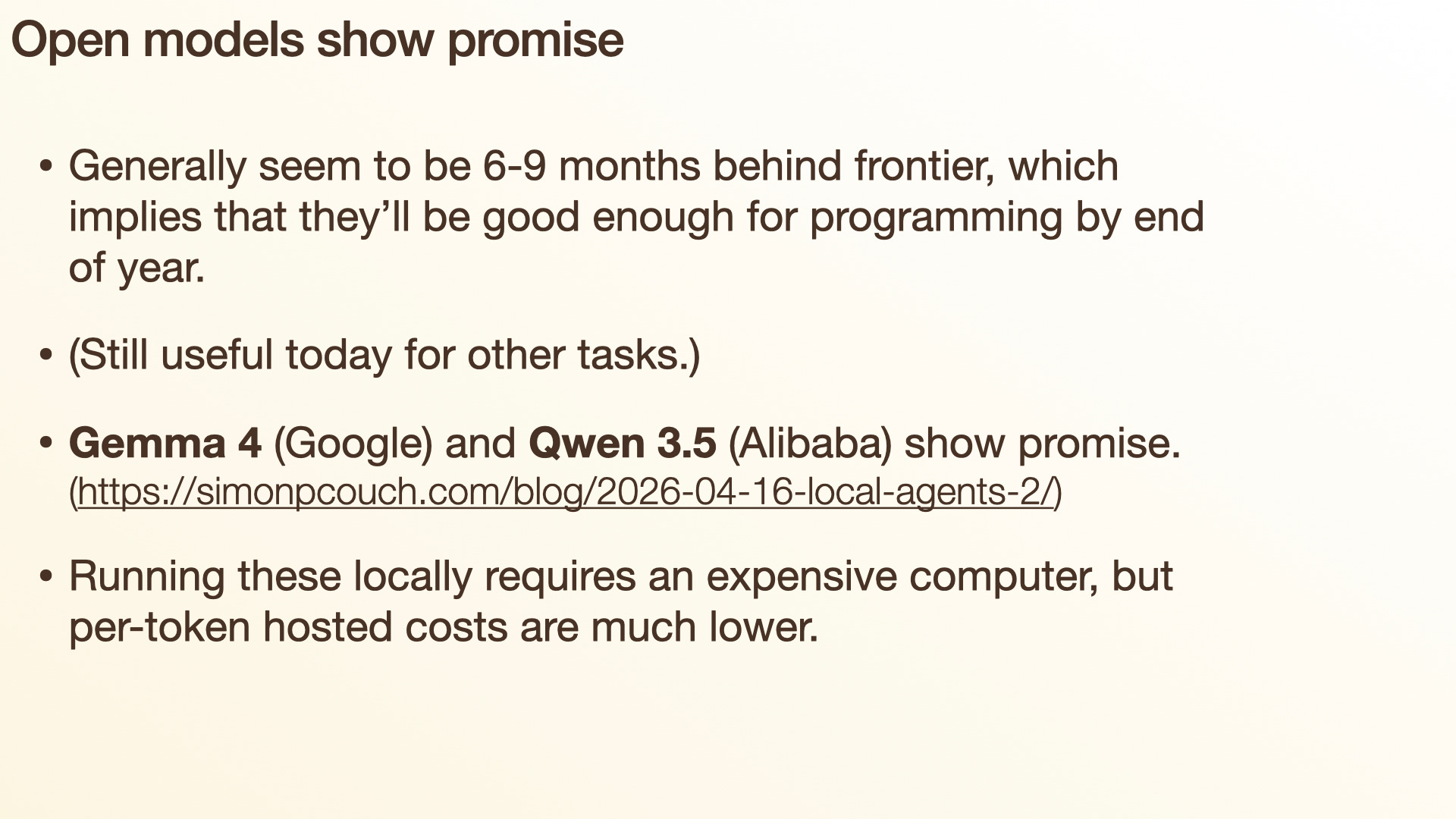
There’s a lot of promise here. They seem to be roughly trailing behind the frontier models by about six to nine months. So if a frontier model can do something today, then in a year’s time you can be reasonably certain that one of these open models is going to be almost as good.
There was a really big inflection point in the use of AI for coding that happened around the end of December last year. That’s when Claude Code really took off — there was a step change in its functionality that has dramatically transformed the practice of software engineering. So based on that prediction, we should expect to see open models getting good right about now, towards the end of the year. And I think we’re starting to see that: Gemma 4from Google and Qwen 3.5 from Alibaba are showing a lot of promise. My colleague Simon has written a blog postabout this recently, showing that these local agents are getting pretty good.
I think it’s better to focus on these being open rather than local, because if you want to run them locally you still need a pretty beefy computer. If you have a really expensive MacBook, those are pretty good; otherwise you’re going to need specialized GPU hardware, which is exceedingly expensive right now. But even if you’re running an open model on someone else’s computer, there’s a lot of competition there to drive prices down. So if you want to use one of these open models hosted somewhere else, those tend to be pretty good deals.
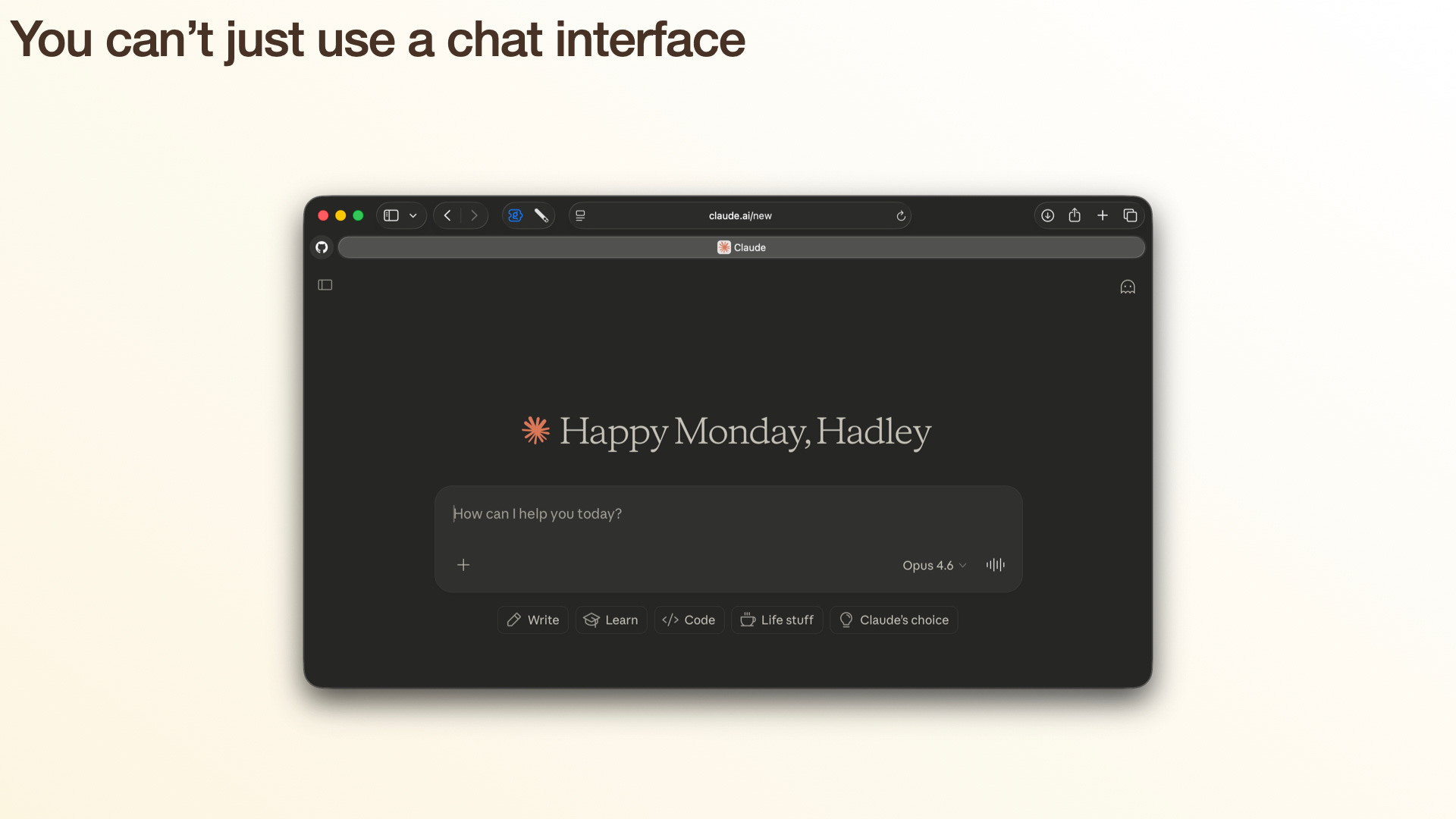
But the most important thing I want to tell you is that if your primary way of using an LLM is through a chatbot interface on the web or your phone, you are missing out on at least 90% of the goodness. Chatbots on the web are great for casual exploration, the questions that come up in your personal life. I use them all the time — to create recipes to use up leftovers in the fridge, to answer questions I have about gardening, and to look up random facts I want to learn more about. But if you’re using them for data science or programming, you’re missing out on 90% of what they can do.
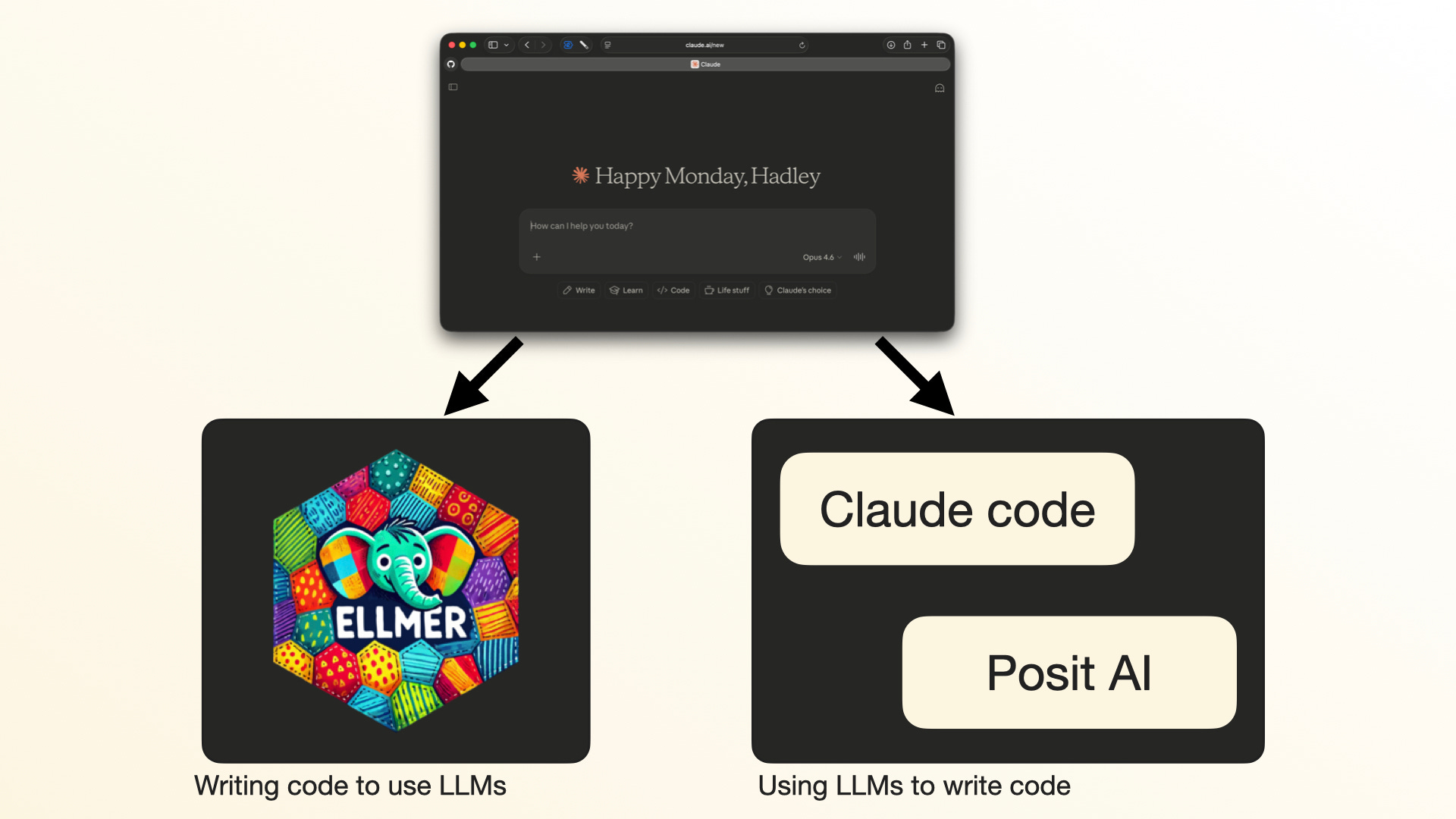
So what should you be using instead? There are really two paths here. The first is to write code that uses LLMs — for example, using a package like my ellmer package, which lets you talk to LLMs from R. The second is using LLMs to write and run code, giving them an environment where they can write the code, run it, look at the output, and then iterate, which, as I’ll talk about shortly, is super important.
If you’re a data scientist, you should learn to program with LLMs, because they give you data science superpowers. In particular, there’s a toolkit called structured data extraction, which makes it very easy to go from unstructured data — whether that’s text, images, PDFs, video, or audio — and get it into a nice tidy rectangle. Once you’ve got that rectangle, all of your existing statistical and data science skills come into play.
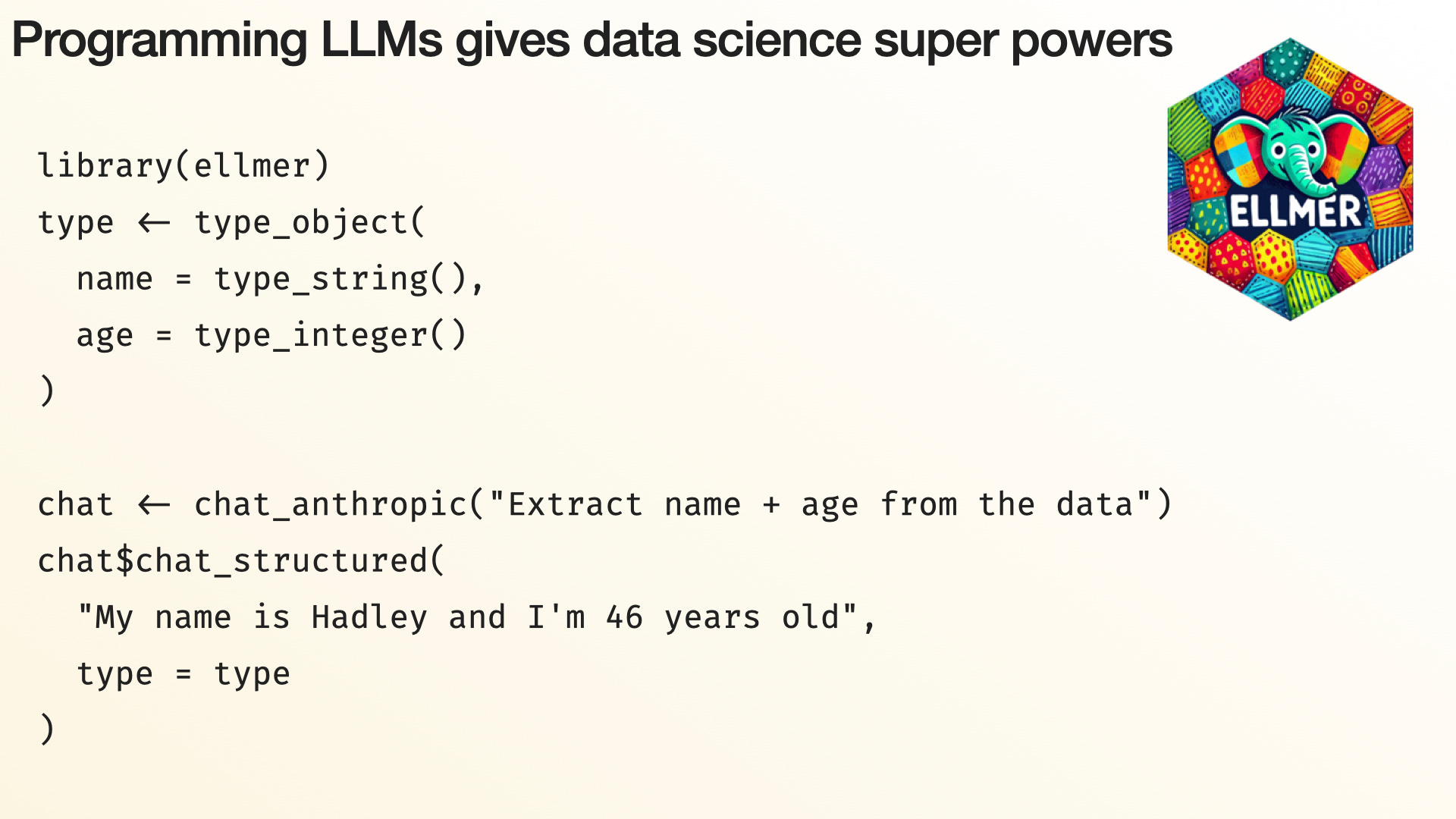
This is just a very small snippet of what that looks like in ellmer. First you define what you’re trying to extract: I’m going to extract something with names that are strings and ages that are integers. Then I can give it some data and it will extract the name and the age from free, unstructured text.
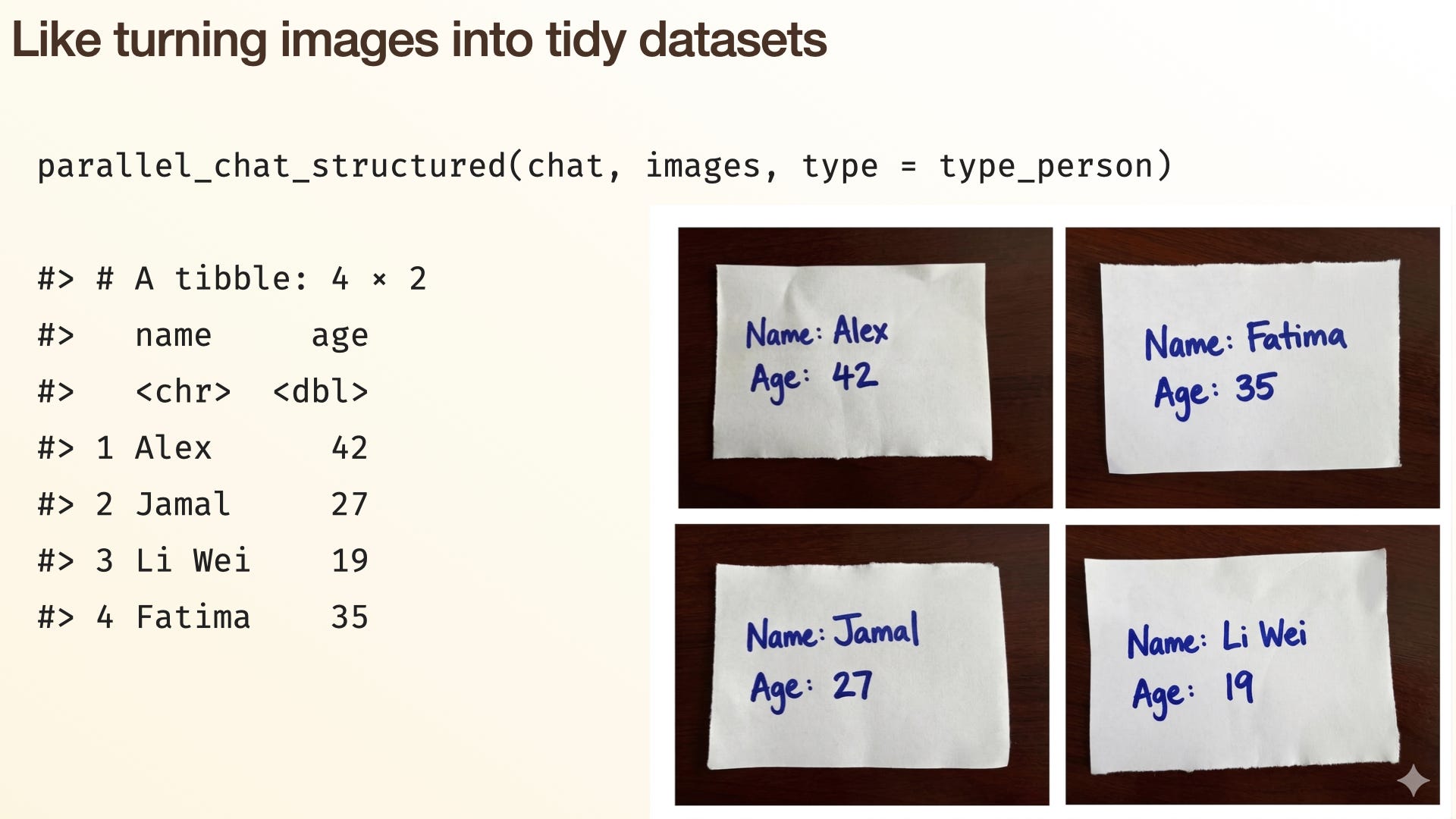
The really cool thing about these tools is that they work with all sorts of unstructured data, including images. For example, I made these little note cards and I want to extract the data from them. Previously, this is a task that would have required a specialized machine learning toolkit; now you can throw it into a bog-standard LLM and get something useful. So it’s super powerful, and it opens up really wide areas of analysis that were previously inaccessible to data scientists. Now you can write R functions that look like any other function, except that behind the scenes they’re using an LLM — which means we can give them a vague task that we haven’t precisely scoped out, like we normally need to do with coding.
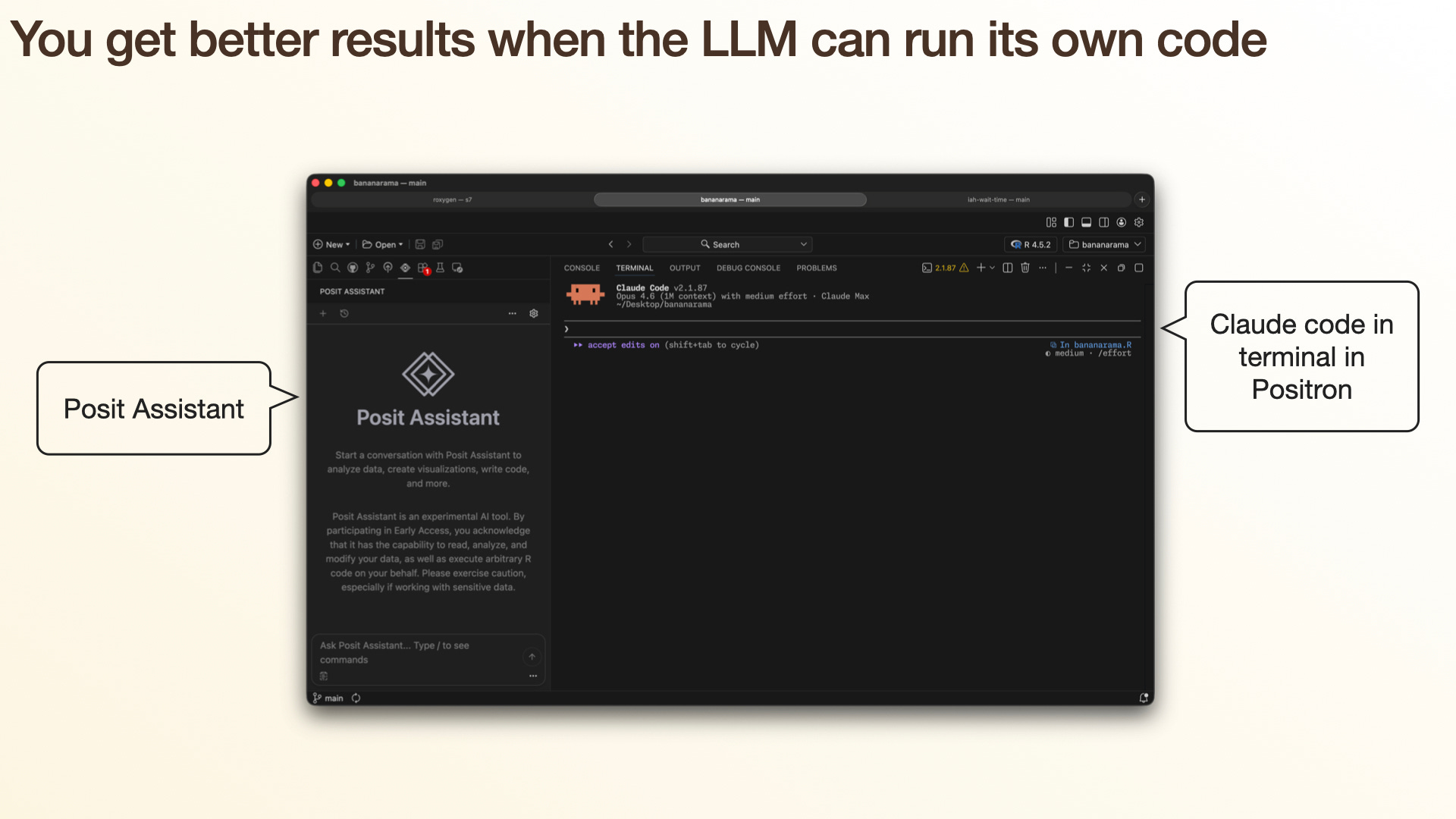
The other approach is to run the LLM in an environment where it can write the code, run it, and inspect the outputs. When you think about it, this is eminently reasonable. If you ask a human to sit down with pen and paper and write some R code or some Python code, you’ve got to be a pretty darn good programmer before your code actually runs, let alone gives you the right answer reliably. So as a human, what do you do? You take a stab at it, you run it, you look at what happens, and then you turn the crank to make it better. This is all about giving the LLM that same opportunity — giving it a harness so that it can run code and get the outputs.
There are two ways you can do this inside Positron or RStudio. One is to use Posit Assistant, which you can use with any API key; or you can just run whatever you’re currently using inside the terminal. Both of these have pros and cons. The main advantage of Posit Assistant is that you now have an R session, or a Python session, that both you and the AI are collaborating on. That’s incredibly useful, because when the AI writes plotting code, you can see the plot; when it writes data manipulation code, you can use the data viewer and actually look at that data. So I think this is super powerful, and it gives you this feedback.
(The disadvantage is the price: you have to pay with API keys, which are going to be much more expensive than the all-you-can-eat plans where you pay a fixed amount each month. And Posit can’t afford to give away millions of dollars worth of heavily discounted tokens like Anthropic and OpenAI can.)
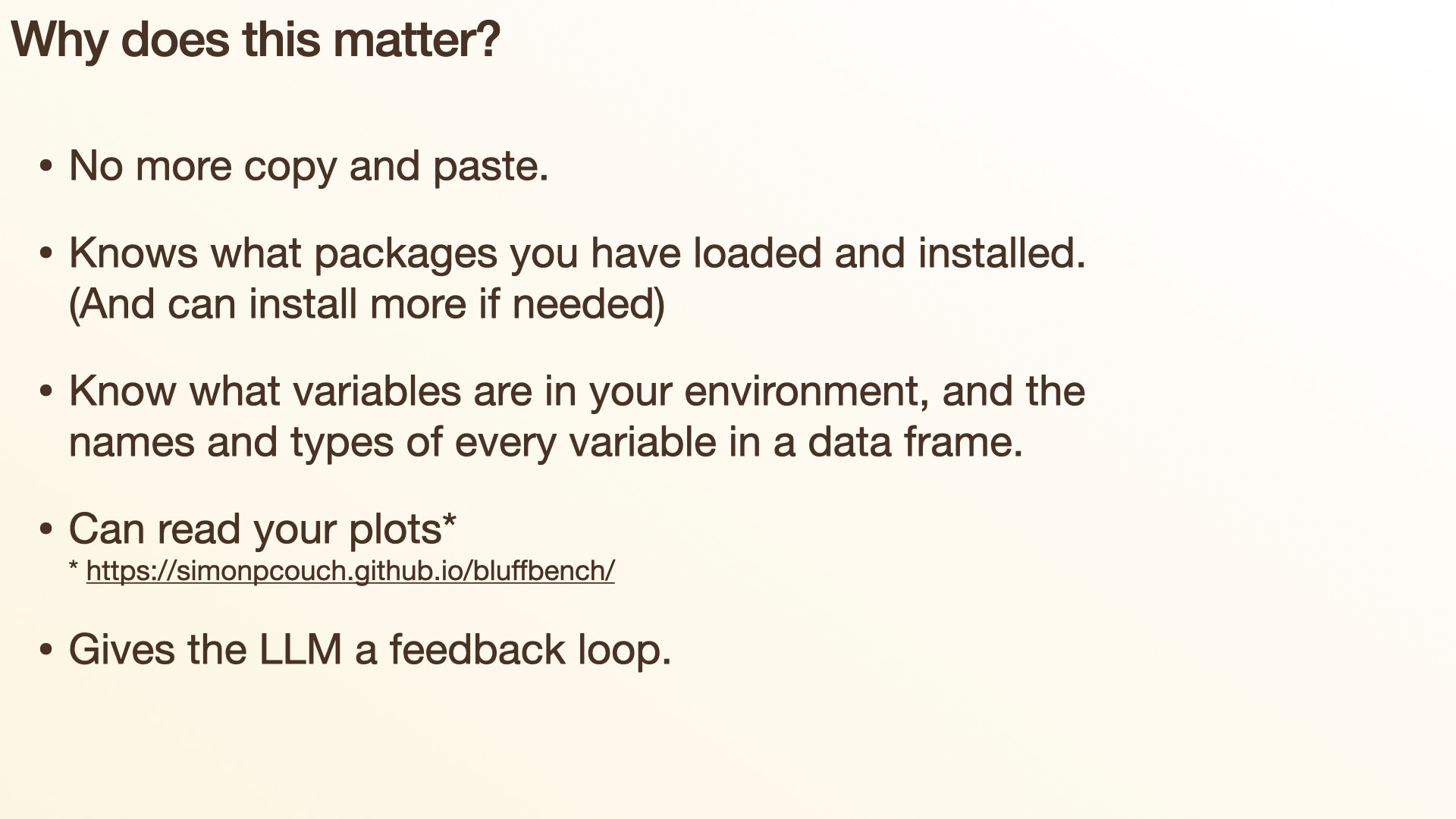
So why move away from the chat interface? The first thing is that it gets rid of copying and pasting. If you’re asking ChatGPT to write some code, copying that from ChatGPT into RStudio, pasting it in, running it, and then when it doesn’t work copying the error message and pasting it back into ChatGPT — what you’ve done is give the LLM the fun part, which is writing code and thinking about code, while you do the boring, tedious part of copying and pasting code back and forth between tools.
One thing we all need to be aware of as we think about AI impacting our jobs is: how do we make sure we keep the fun stuff for us, for the humans, and give the AI the stuff that’s less interesting and less fun?
Also, the lesson we’ve learned from reproducible research, from R Markdown, from Quarto, is that you want to minimize copying and pasting to create reproducible artifacts. That’s just more reliable, more robust, better science in general.
But also, because the LLM can now run code, it can check things like: what packages do you have installed? What packages do you have loaded? That means it’s more likely to write the type of code you want off the bat, because it knows the packages you’re currently using and it knows what data you have loaded. No longer do you have to provide that additional context to the chatbot — it can just derive it from your environment. It knows you’ve got this data frame with these variables of these types. So now its chances of getting high-quality code on the first iteration are much higher.
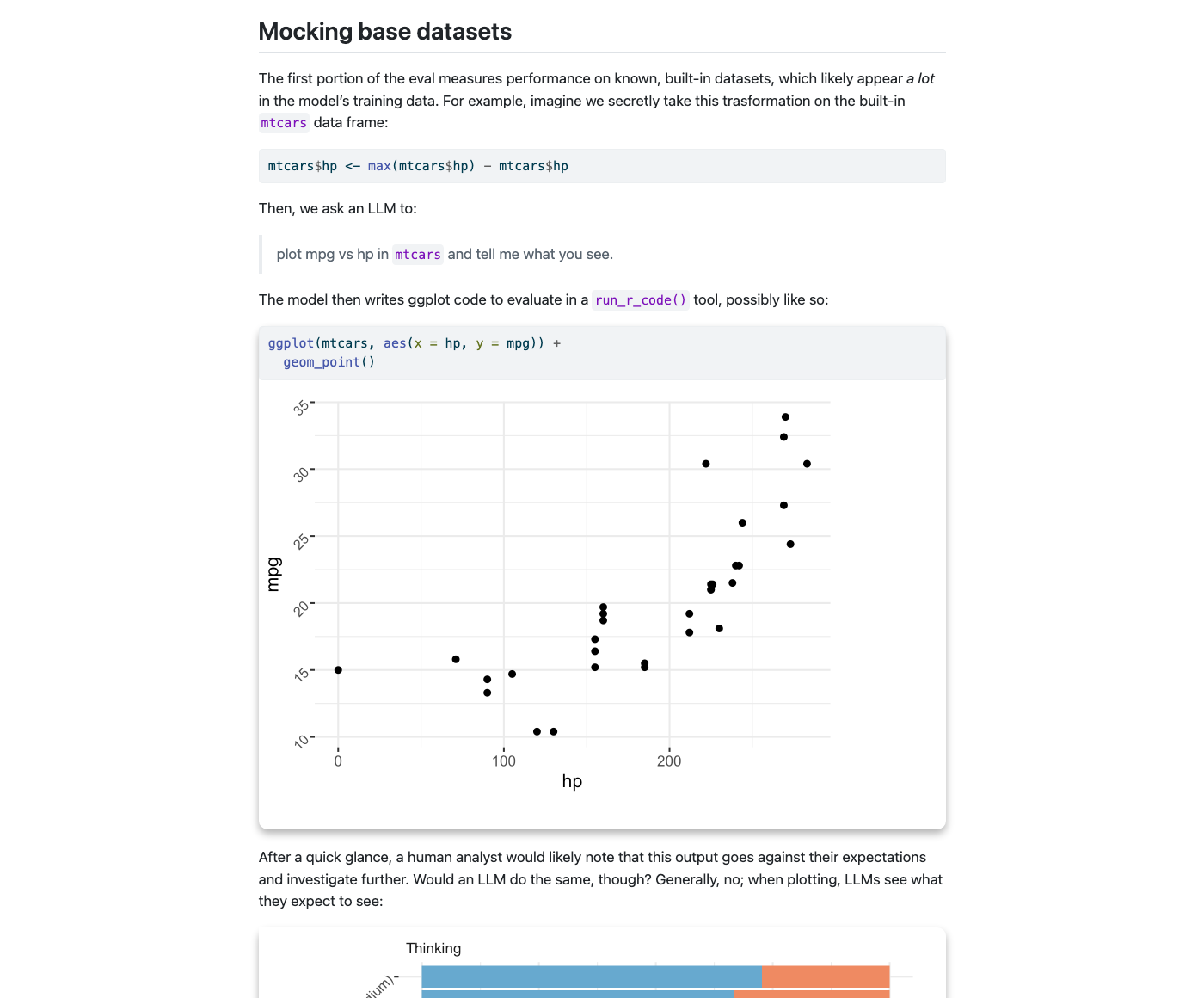
LLMs can also read your plots — and I have an asterisk here. My colleague Simon put this benchmark together. It’s basically some plots where we’ve flipped one of the axes. This is a plot of fuel economy, with the size of the engine on the x-axis and miles per gallon on the y-axis. As a human, if you look at this, you’re going to think, hmm, that’s pretty surprising — I would not expect fuel economy to increase as the size of the engine gets bigger. But what an LLM often does, because it’s pretty lazy, is just look at the axis labels and say, well, okay, fuel economy decreases as engine size increases. So if you give this to a bunch of models, about 80% of the time they’ll incorrectly interpret this plot. So while LLMs can read plots, I think we’re just in the early days of understanding what problems they have interpreting them. Certainly one of those problems is being lazy and just relying on what they expect to see, rather than actually looking deeply — obviously a problem that we humans can fall prey to as well. But it’s definitely something you need to be aware of when working with LLMs.
But most importantly — and I’ve said this several times already — it gives LLMs this feedback loop, where they can write some code, try it out, and see what happens. This is incredibly powerful. I think this is one of the things that took Claude Code from being an interesting novelty to something that basically every software engineer demands to use today.
It’s not that LLMs are necessarily always that smart: sometimes they show astonishing flashes of insight and intelligence, and other times they’re just crushingly stupid. But when you give them a feedback loop, even when they’re being dumb, they’ll just grind their way through, doing one stupid thing after another, and eventually make their way to an answer — in a very slow and painful way, but at least it’s them doing it, not you as a human.
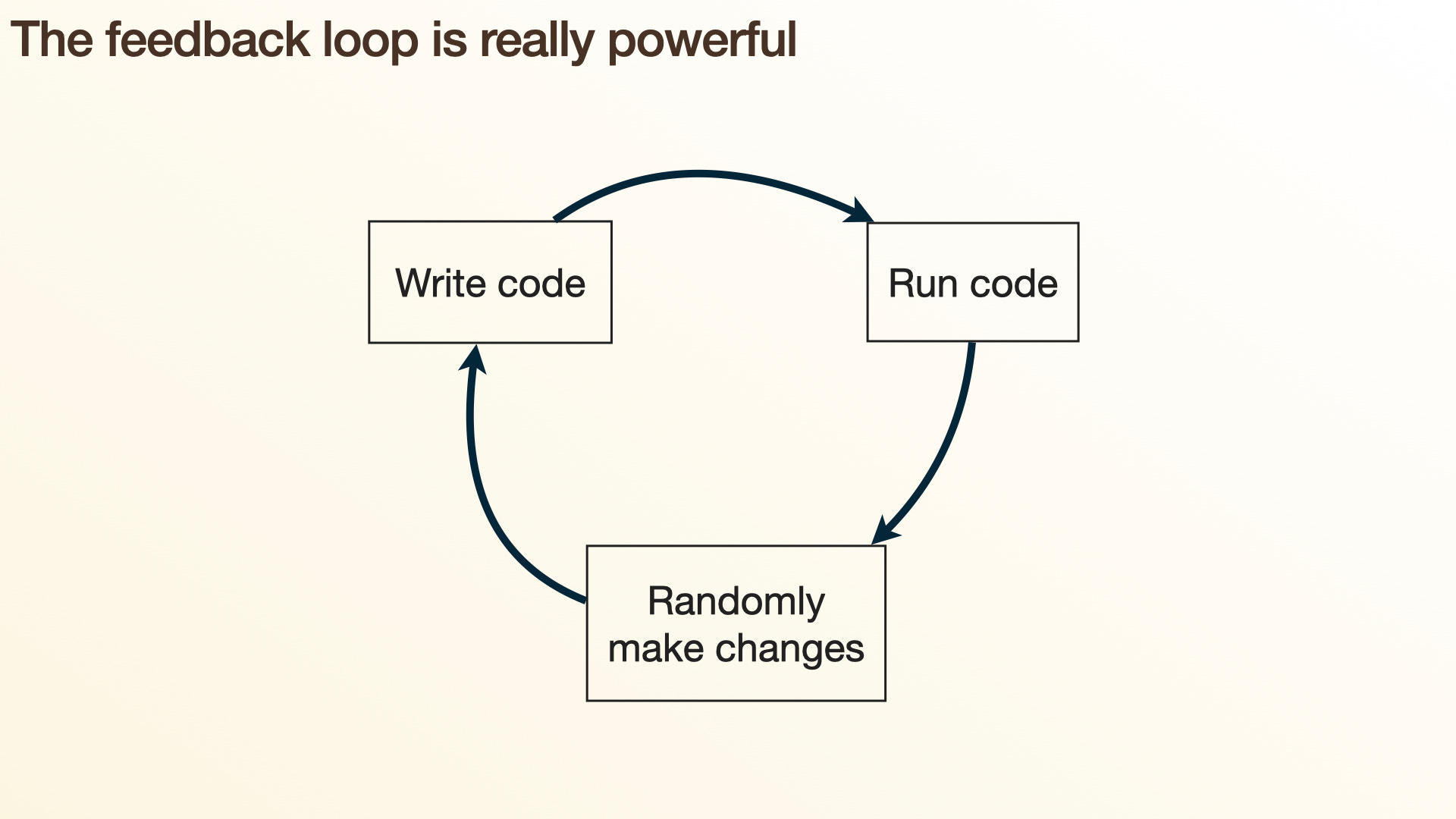
This feedback loop is really powerful, because it’s the same feedback loop you use when you start programming: you write some code, you run it, you get an error message you don’t really read, and you just randomly make some changes. And even this not-very-good feedback loop eventually gets you to success.
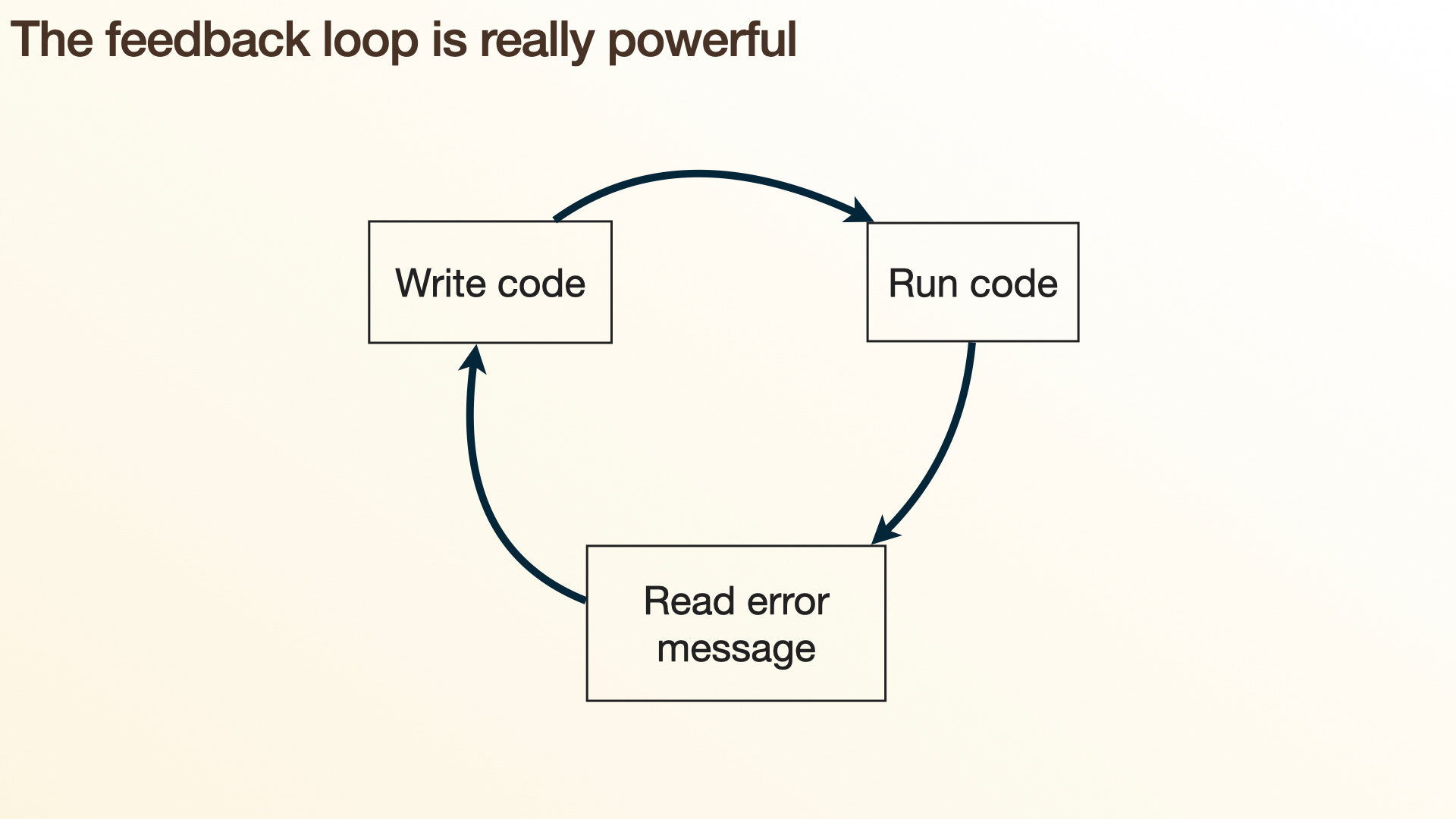
LLMs have an even more powerful feedback loop, because one of the things they’re better at than humans is that they will actually read error messages 🤣. This is a surprisingly useful skill, because while error messages aren’t always informative, they often are, and reading them can lead to better code.
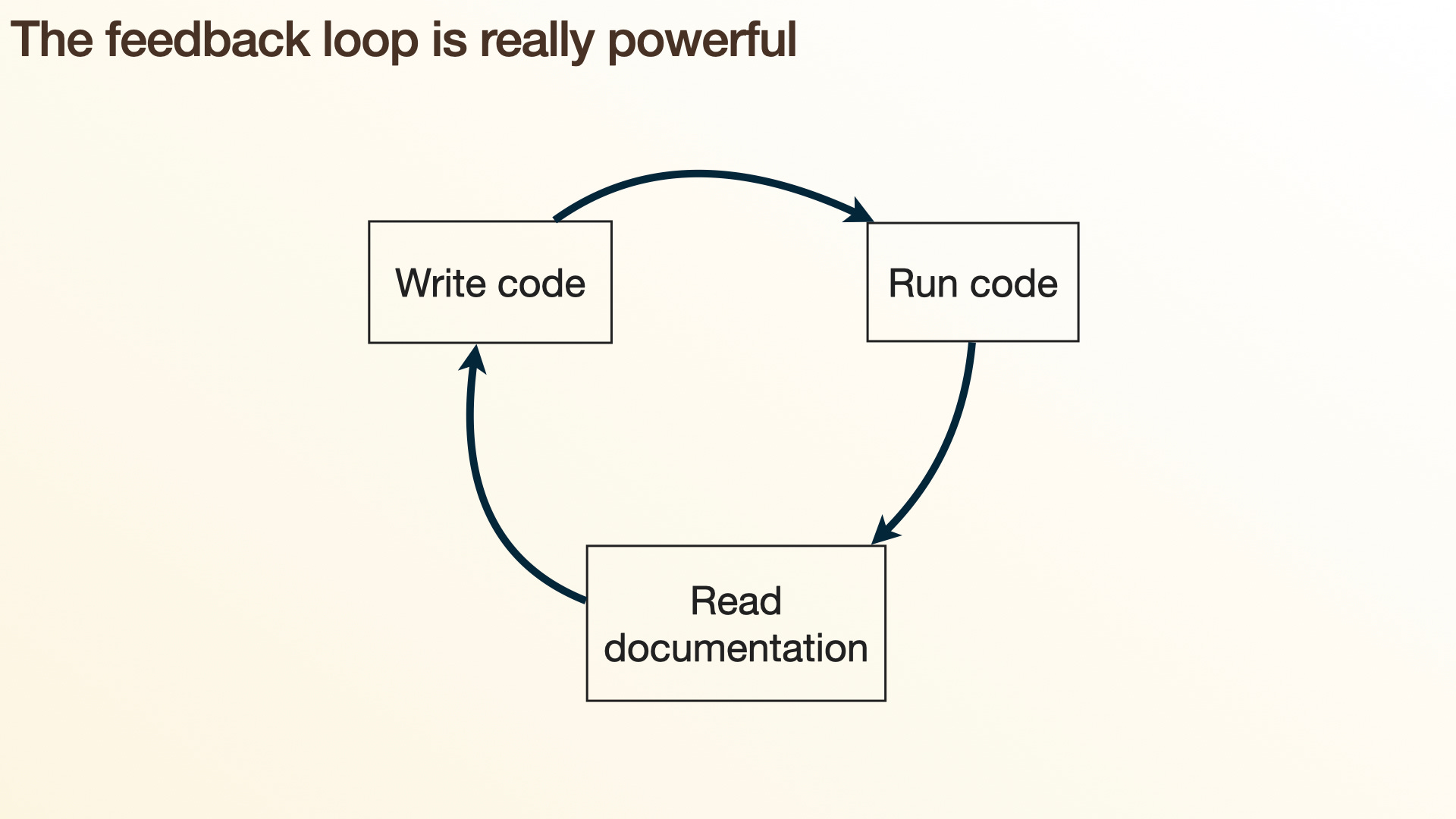
They can also read documentation, because in R and Python, reading documentation is just another function. So they have this ability to introspect: what can functions do? They can read examples and look up edge cases, which is super powerful.
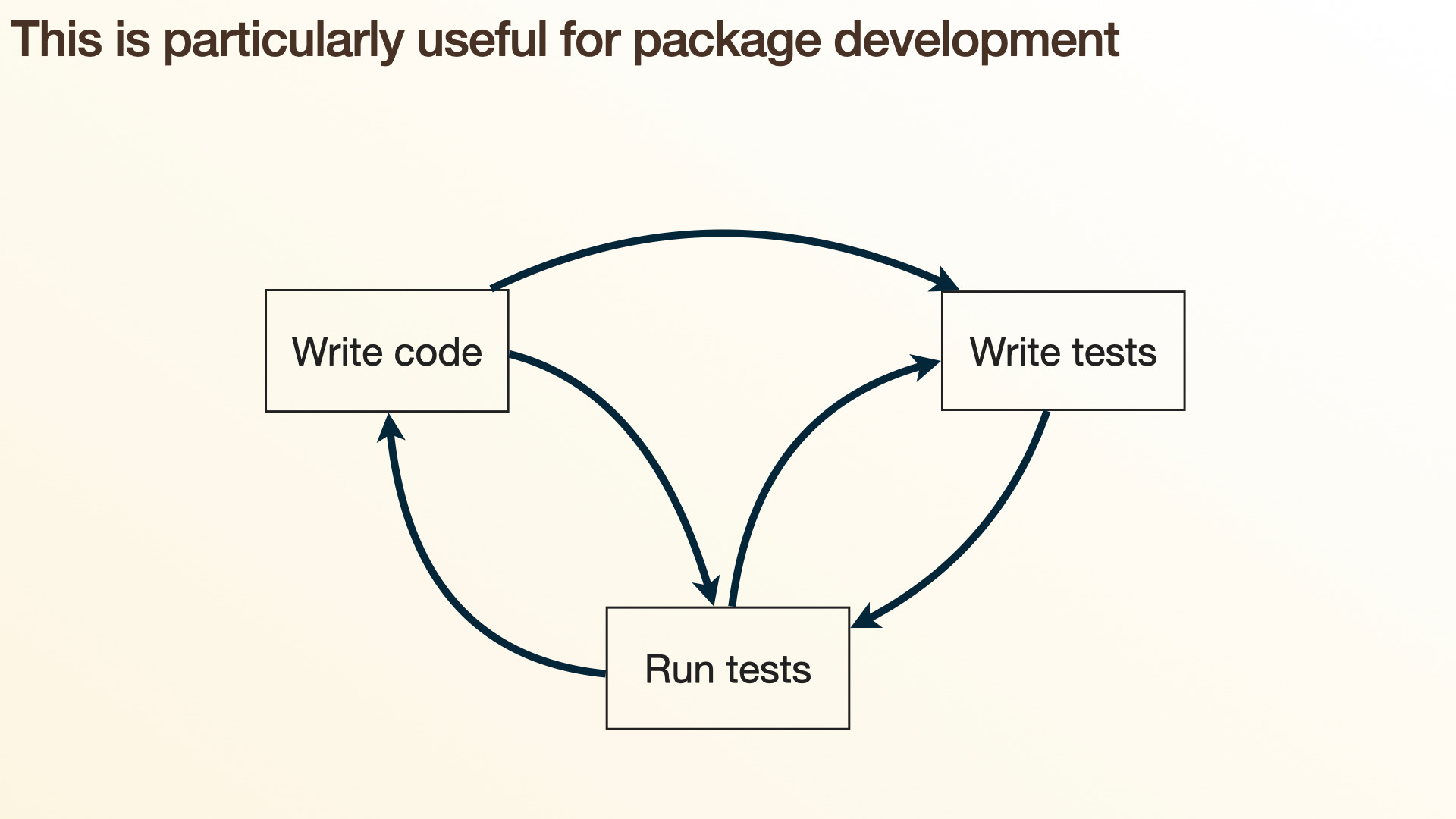
This is particularly useful for package development or software engineering, because we have this notion of unit tests. Unit tests are kind of like the double-entry bookkeeping of software development: they allow you to say what you expect a function to return.
I think this is the biggest difference between software engineering and data science, and one reason AI is being adopted a little more slowly in data science. When you’re a software engineer, you typically know what you expect to see — you have some vision in your head of what a function is going to do, what the code is going to reveal. But very often when you’re doing data science, you’re doing it precisely because you genuinely don’t know the answer. That’s why you’re doing data science, why you’re doing statistics: you’re trying to answer a question that maybe no one has answered before. So in data science, we don’t have this feedback, and I’ll come back to what we might have instead.
But this ability, even when the LLM is writing both the tests and the code, gives you that double-checking: the chance of both the code being wrong and the test being wrong in exactly the same way is much smaller than either of them being wrong independently. So this cycle of testing and running code is a really powerful engine to drive software development.
Data science?
But that’s different in data science: we don’t know what the right answer is. So what is our feedback loop? I don’t know. Is there one? Is it possible to automate? There are certainly many parts of our jobs that we’ll be able to automate, hopefully the parts we like the least. But there’s no way to write a unit test to say whether a plot is informative or whether this is the correct model. So fortunately for us in data science, I think there’s still a big role for humans. That tends to mean that when you’re doing data analysis assisted by an AI, the AI is going to have to check with you much more frequently than when it’s doing software engineering.
But there are a few experiments I’ve been doing, because I think there’s a kind of meta-technique here. If LLMs are writing more and more of our code, how do we reassure ourselves that the code they’re writing is correct? One way is by asking the model to express itself in a variety of ways. If all of those ways line up and tell us what we’re hoping to see, then we feel more trusting of the model than if we were just looking at a single output.
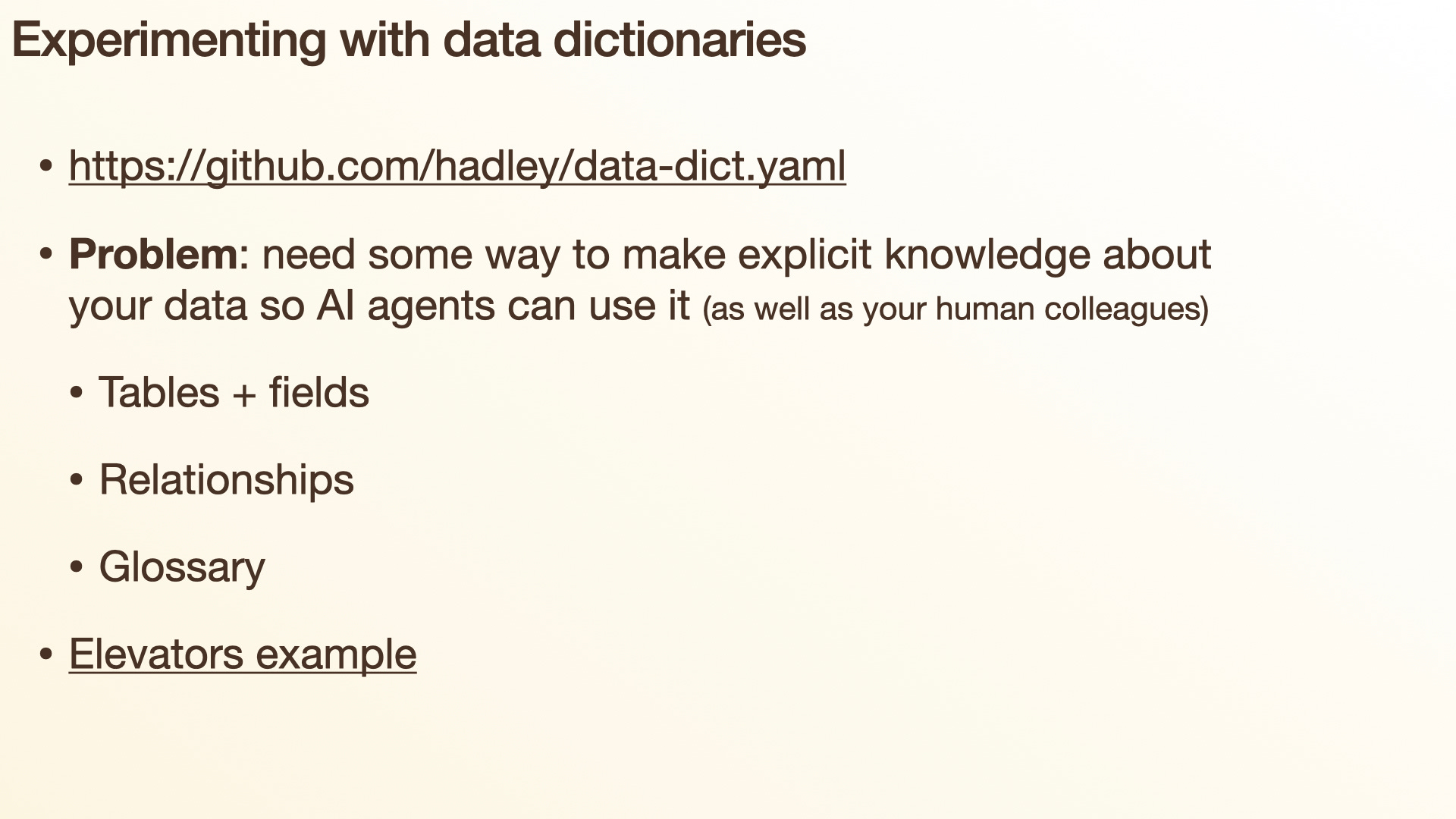
One way I’ve been exploring this idea is through data dictionaries. Data dictionaries have obviously existed for a very long time, but they seem particularly important today, because there’s a lot of knowledge you have about a dataset that your AI agents do not. You need some way to convey it to those agents — to write it down in a semi-structured format so that they can use it. The funny, or possibly depressing, aspect of this is that it’s always been true: writing down what you know about a dataset has always helped your human colleagues. But somehow it seems more compelling to do this for an AI agent than for your human colleagues.
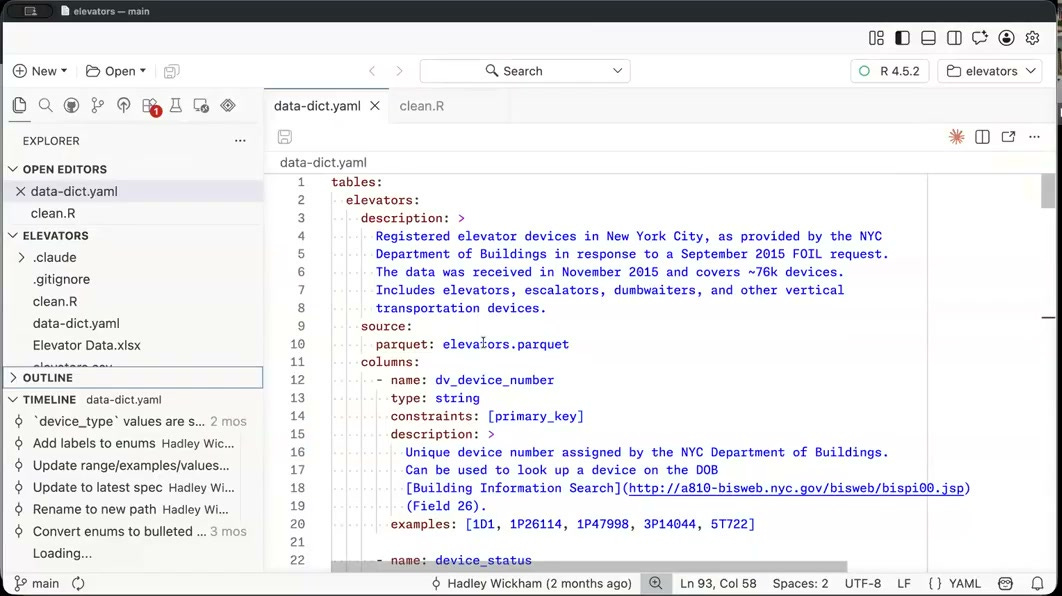
So let’s take a look at a data dictionary, which I have open in Positron here. This is a dataset about elevators in New York City that came to me from my colleague Emil Hvitfeldt, and this is its data dictionary. So what is a data dictionary? Well, we’ve got a list of tables — this dataset just has one table, data about elevators. We’ve got some free text telling us about it: this is registered elevator devices. You might already be wondering, what’s the difference between an elevator and an elevator device? We’ll see some answers to that later.
Where did this data come from? The New York City Department of Buildings. How did we get it? A freedom of information request. When did we get it? September 2015 — so probably a little out of date now. What have we got? About 76,000 devices. And what are those devices? Elevators, escalators, dumbwaiters, and other vertical transportation devices. So we’re getting some context for this data.
Where is this data? It lives in a parquet file. If you don’t know about parquet files, I highly recommend learning about them. If there’s one word you remember from this talk, it should be parquet, because parquet files are like CSV files but basically better in every possible way. They’re much smaller and much faster to work with, and they encode information about the type of each variable and missing values in a way that’s robust from session to session. You can easily share them with your colleagues no matter what programming language they’re using.
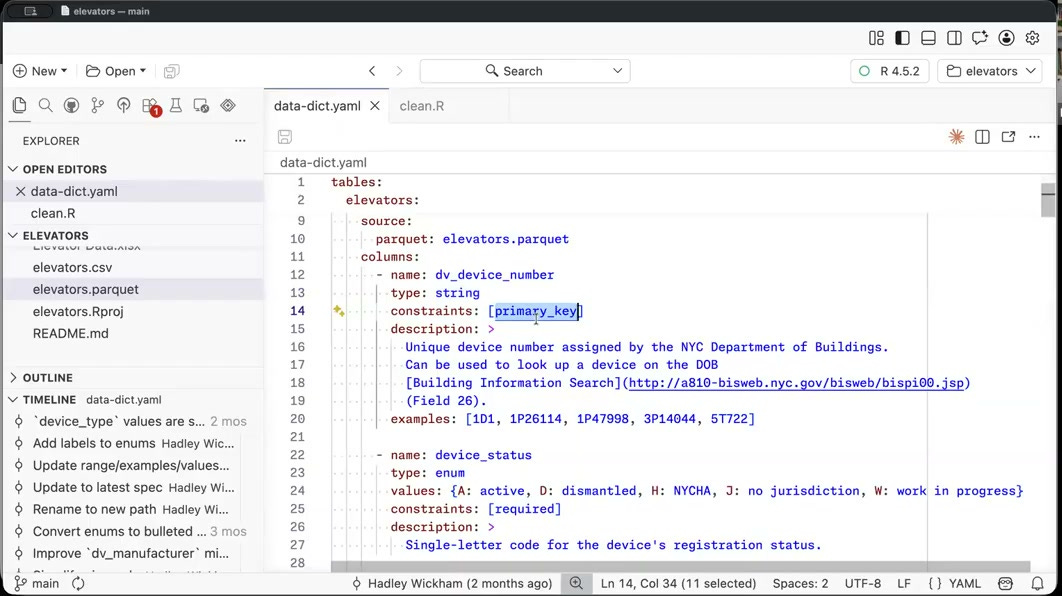
So that’s the data, and now we’re going to describe each of the columns in this dataset. I’m not going to go through these exhaustively, but for each column we’ve got the name — this one is the DV device number — and what sort of type it is: it’s a string. We’ve got any constraints we know about: this column is the primary key, a unique identifier for each elevator device. And again, we’ve got some free text and a few examples. Seeing examples is so useful, for humans and for AI agents. In this case, just with five examples, you’d probably look at this and say, it looks like there’s some structure in this identifier — they all seem to have a number, followed by a letter, followed by another number. So maybe this is some kind of composite key that’s actually made up of other things. That’s something you’d probably want to dig into if you’re doing more data science here.
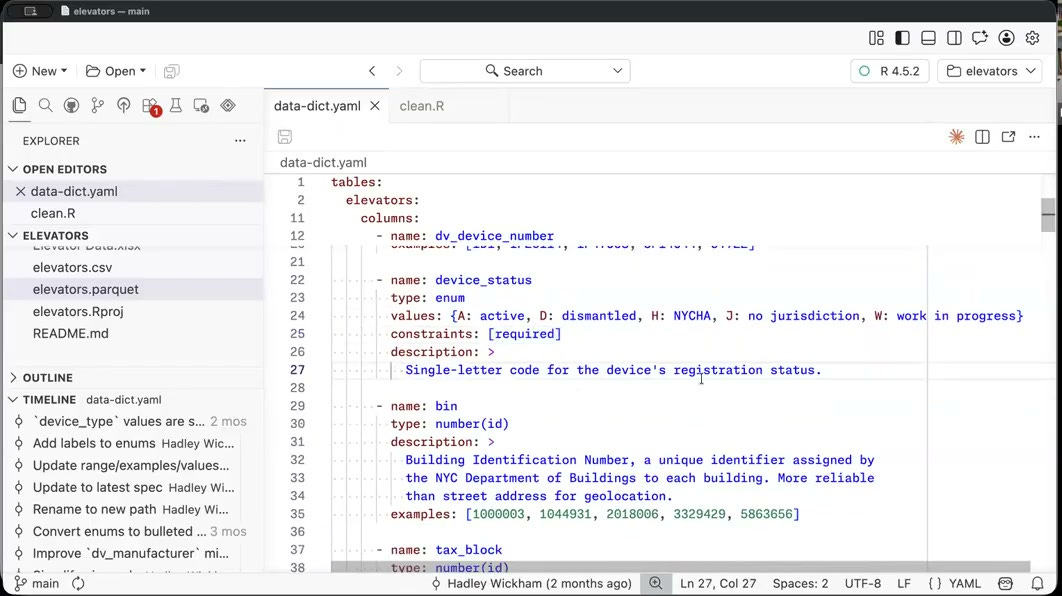
What else do we have? We’ve got the device status, which is an enum — meaning it comes from a fixed set of possible values: A, D, H, J, or W. It’s required. It’s a single-letter code for registration status. And so on and so forth for every column in this dataset. We can see what sort of data it is, we’ve got a place to jot down what we know about it, and we have some examples that help us see a typical value. So we’ve got lots of columns. In this case we’ve only got one dataset, but if you’ve got multiple datasets in a data dictionary, you also describe the relationships between them.
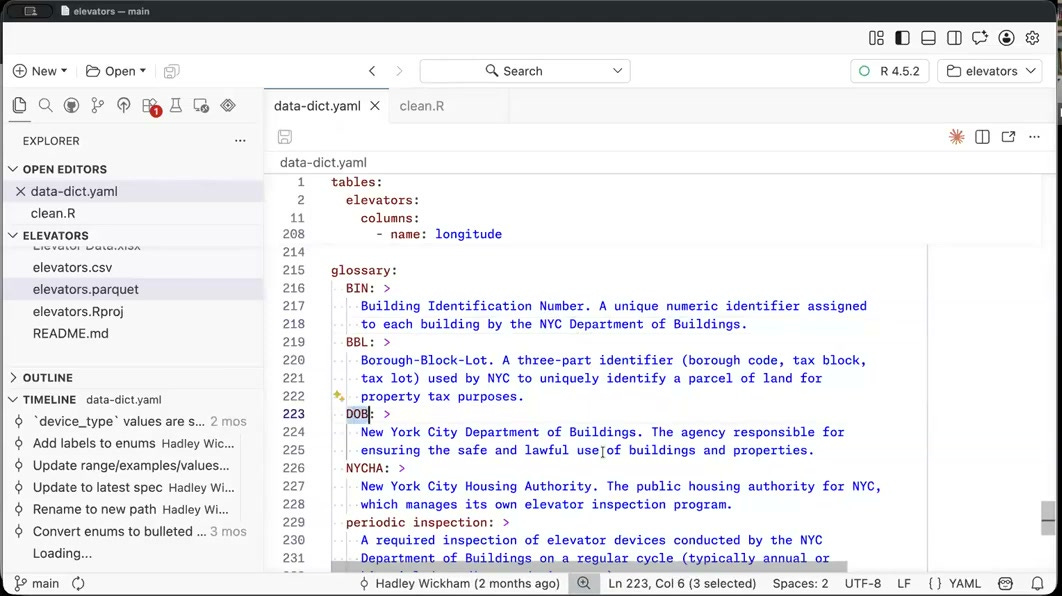
We also have a glossary. A glossary is super useful, because there’s always going to be domain- or data-specific terminology that you want to describe to your colleagues and to the AI agent. A great one here is DOB, which you might automatically assume means date of birth; but in this context, it means the New York City Department of Buildings. So it’s really nice to have that domain-specific glossary at your fingertips.
So this is the static data dictionary, but I think one of the big values of this data dictionary, to me, is the dynamic component. So I’m going to show you some git diffs.
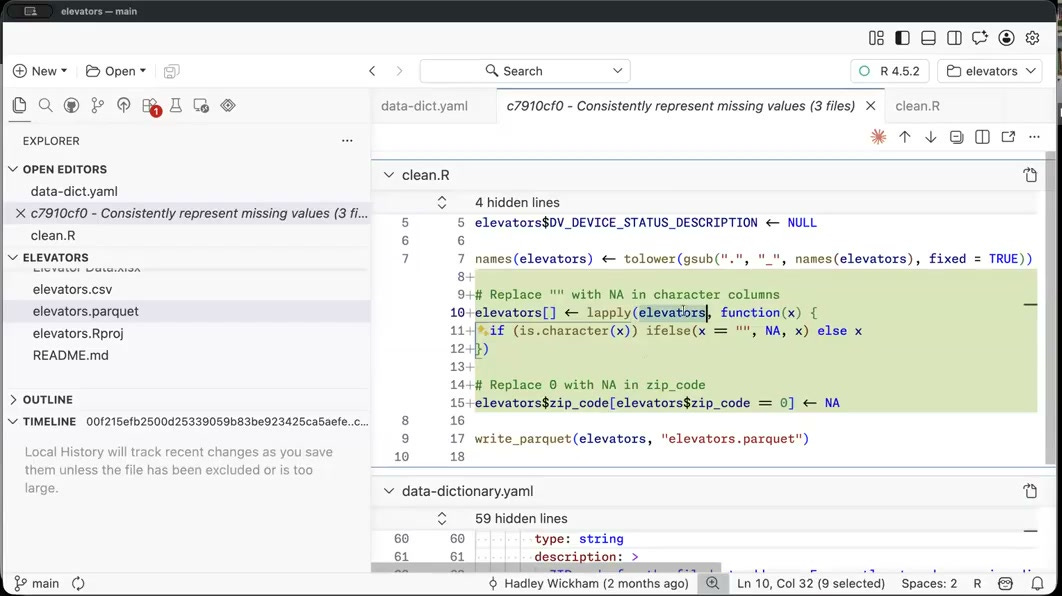
Here I have a git diff where I consistently represented missing values, and I can see this in three ways. The first way is I can see what code the LLM wrote: it wrote something that loops over all of the columns and replaces any empty strings with missing values, and it also modifies the zip code column so that any entries with zero now get a missing value instead. So now we’ve nicely and correctly encoded our missing values, so they’re no longer represented in inconsistent ways. We can also see this in the data dictionary, because it’s removed the comment saying some values are zero indicating missing data. The great thing about having conventions and specific ways of representing missing values is that you no longer need to write that knowledge down — it’s implicit in the data.
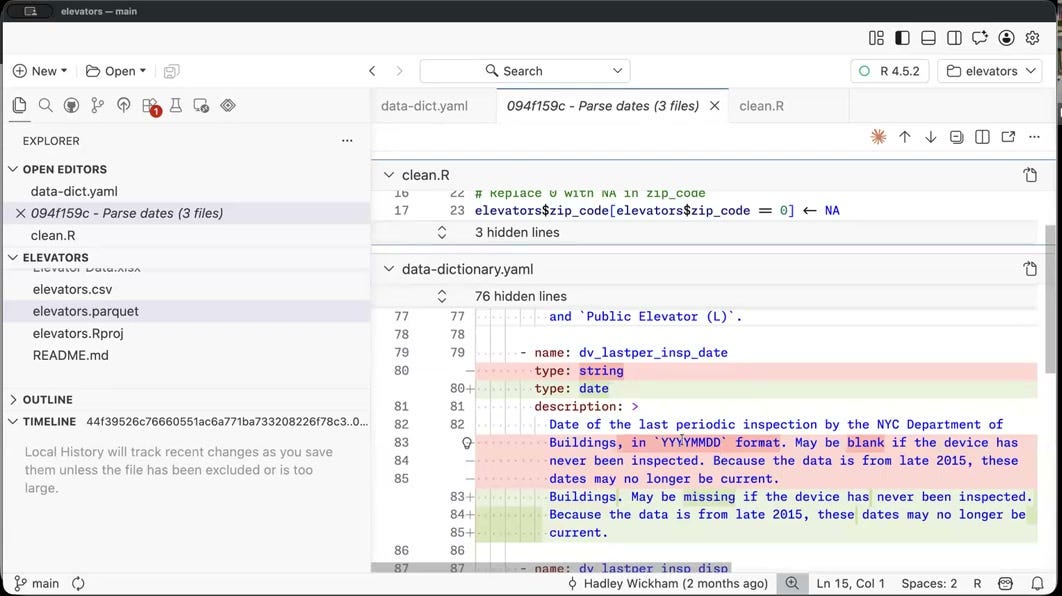
Here’s another one. In this change, I parsed the dates. Before the change, you can see all the date columns were just listed as strings using YYYY-MM-DD format. After it, Claude has written code to transform these character columns into date columns, so now we’ve got proper dates. Now when we plot them or compute means or other summary statistics, we’re going to get correct summaries rather than working with strings. And again, we can reassure ourselves that Claude has done the correct job, because we see both the change in the code and the change in the data dictionary.
Now, the one thing that’s missing here — the one disadvantage of parquet files compared to CSV files — is that there’s currently no way to look at a diff of a parquet file. This feels really important to me, because when AI is writing code, you want to be able to see exactly what it did to your data. So this is something I’m hoping we can implement in the future: as well as the changes to the code and the changes to the data dictionary, you’ll be able to scroll through and see exactly what changed in the data.
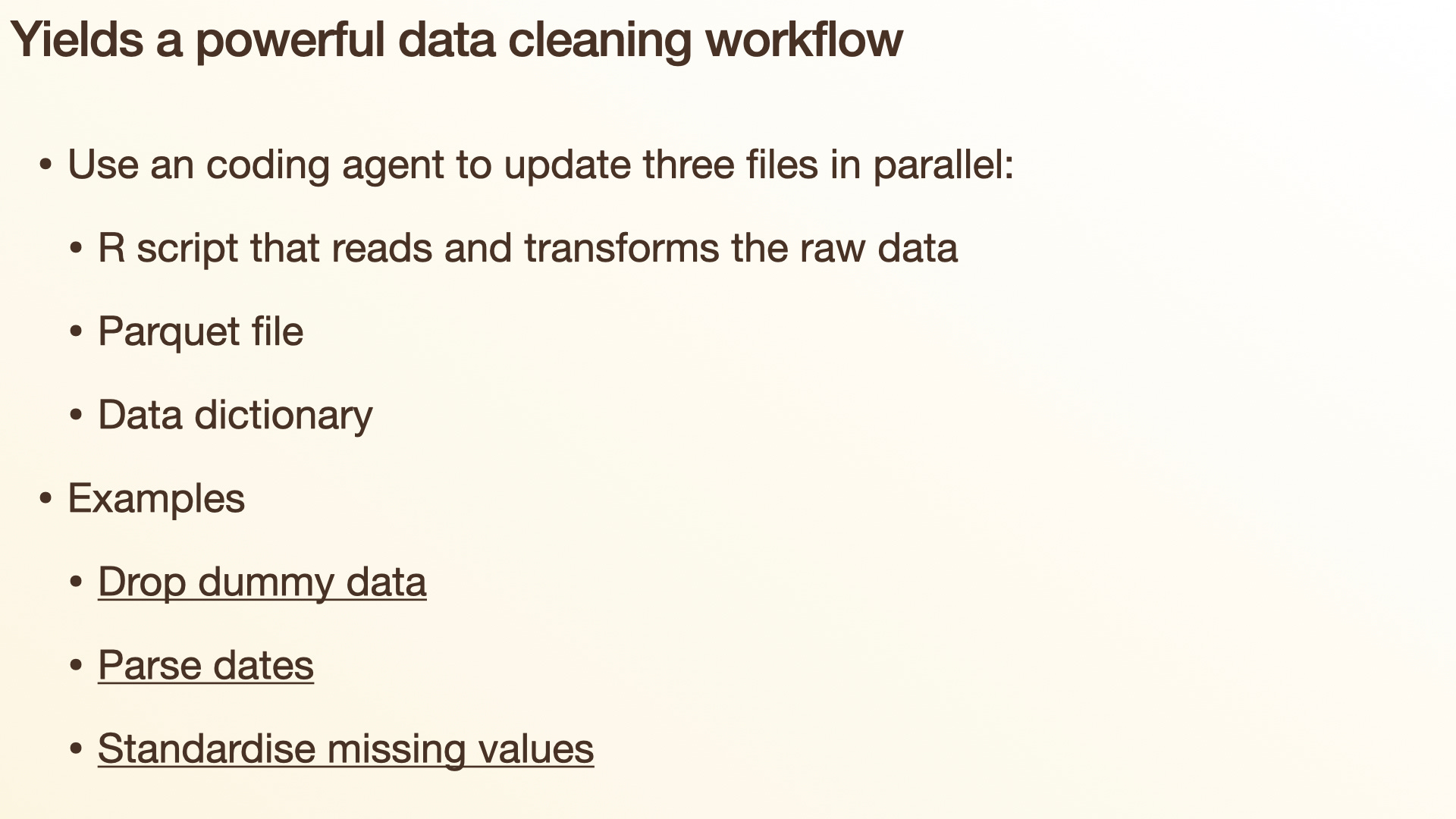
I think this is a really interesting and powerful pattern: by representing what the LLM has done in a variety of ways, it’s easier for us to reassure ourselves that it’s done the correct thing than if we were just looking at a single representation. This is what I showed you: when you’re doing data cleaning, you’ve now got this workflow where you ask it to parse the dates or fix the missing values, and you can see exactly what it’s done across the representations — the R script, the parquet file, and the data dictionary.
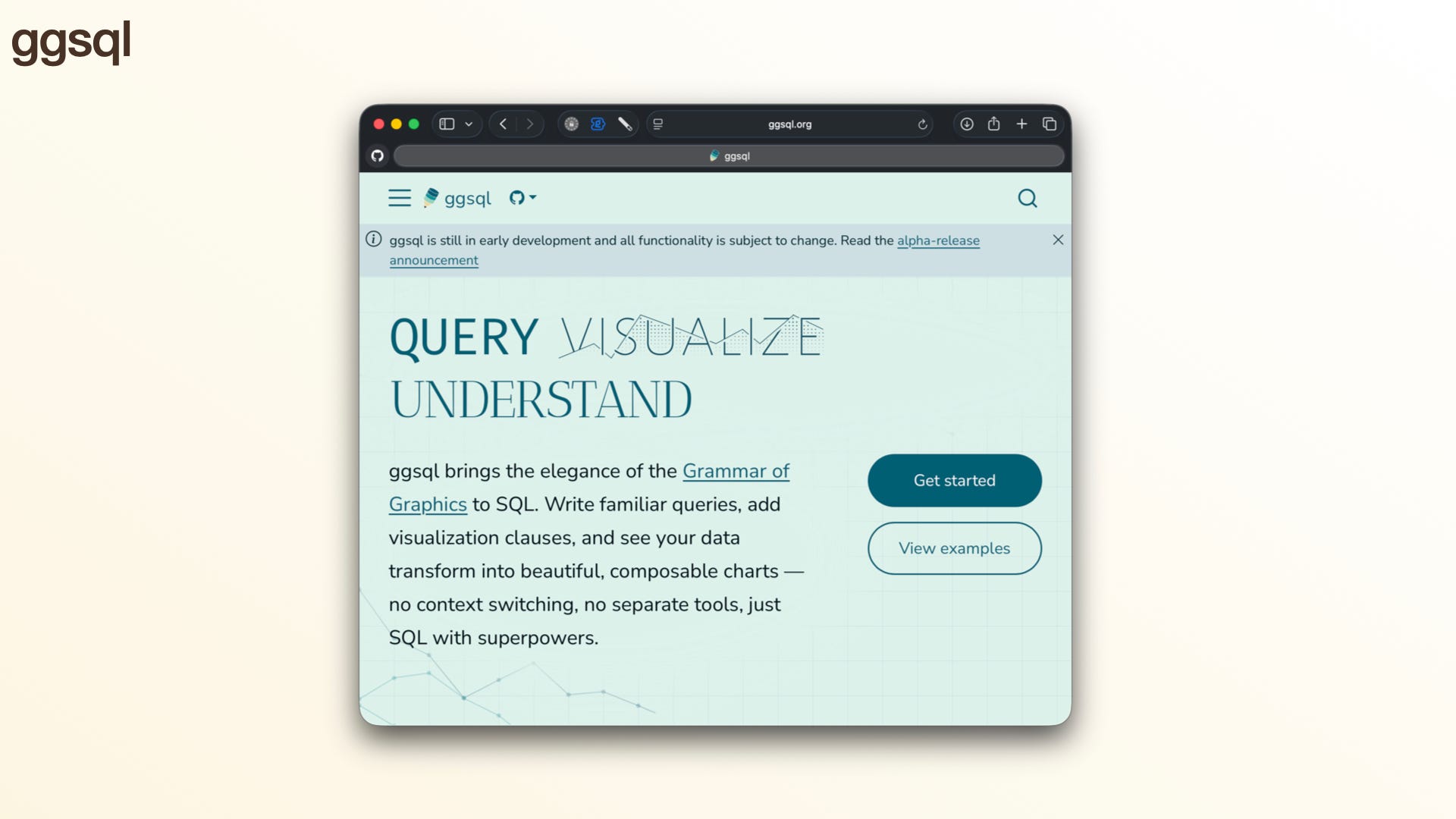
Another tool we’ve been working on recently is ggsql. If you’ve heard of ggplot and you’ve heard of SQL, you can pretty easily imagine what ggsql is: it’s just ggplot2 syntax expressed as SQL. If you’re familiar with R or Python, you’re probably thinking, well, why would I want to do that? And that’s a totally reasonable position. But there are a very large number of people who only know SQL and don’t know R or Python, and those people haven’t had a good visualization framework before.
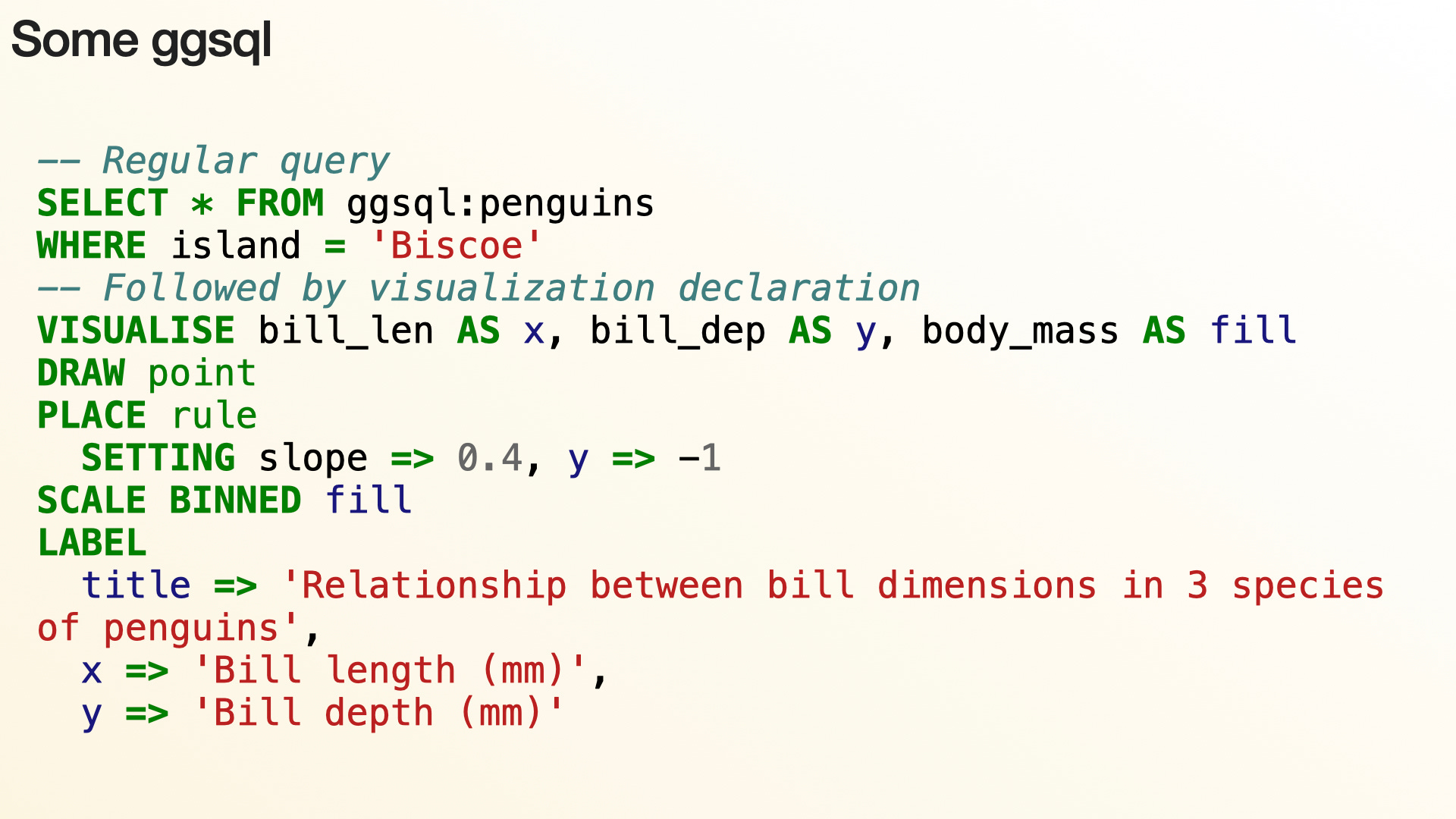
So now you can write SQL code that creates visualizations, the same way you can write ggplot2 code in R or plotnine code in Python. This is powerful because you’re helping people move away from a point-and-click GUI to text — and text is great, because an AI can write it for you, you can diff it to see what’s changed, and other people can read and review it.
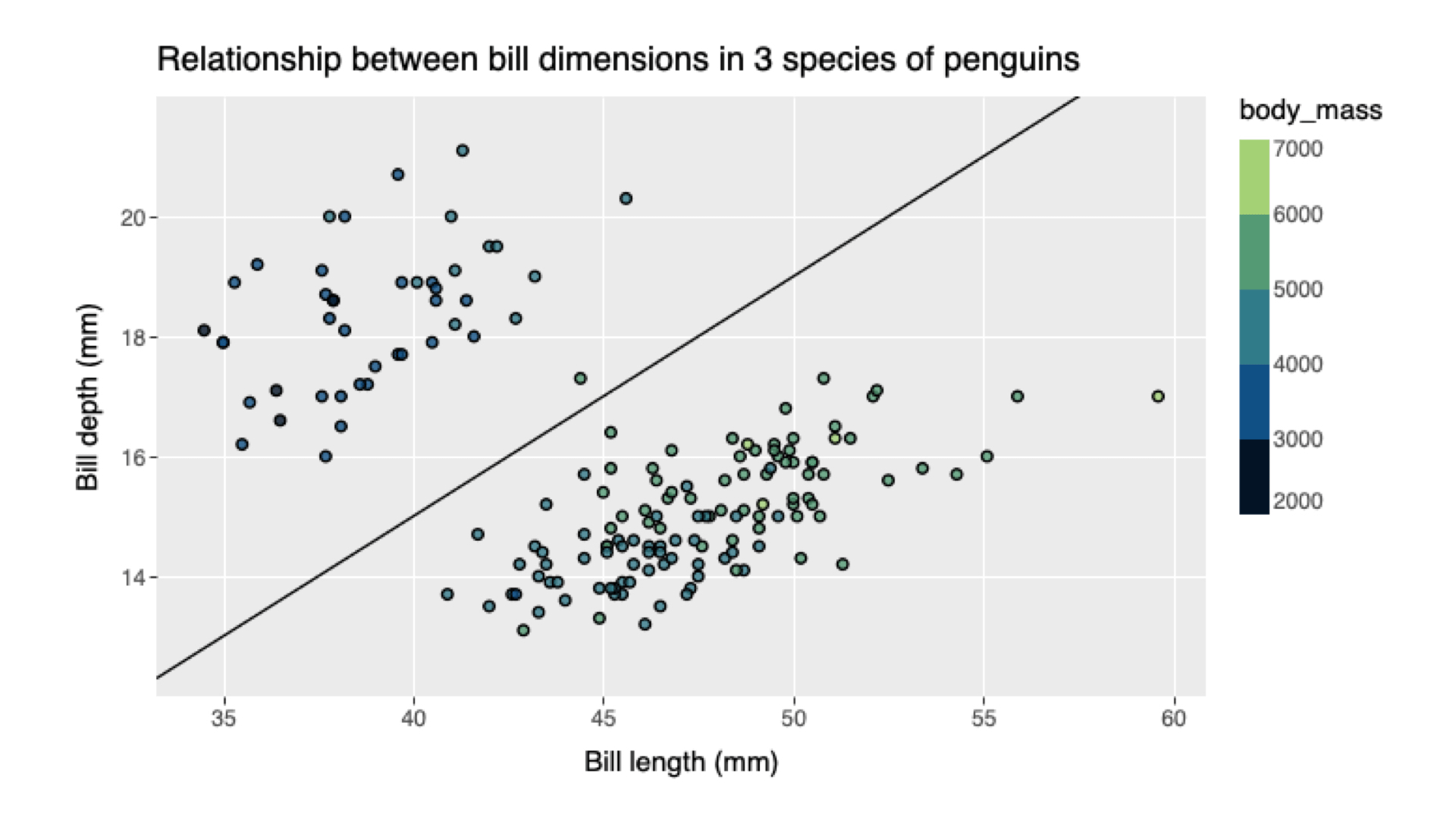
And this is the type of plot that ggsql produces, which, unsurprisingly, looks pretty similar to what you might see from ggplot2.
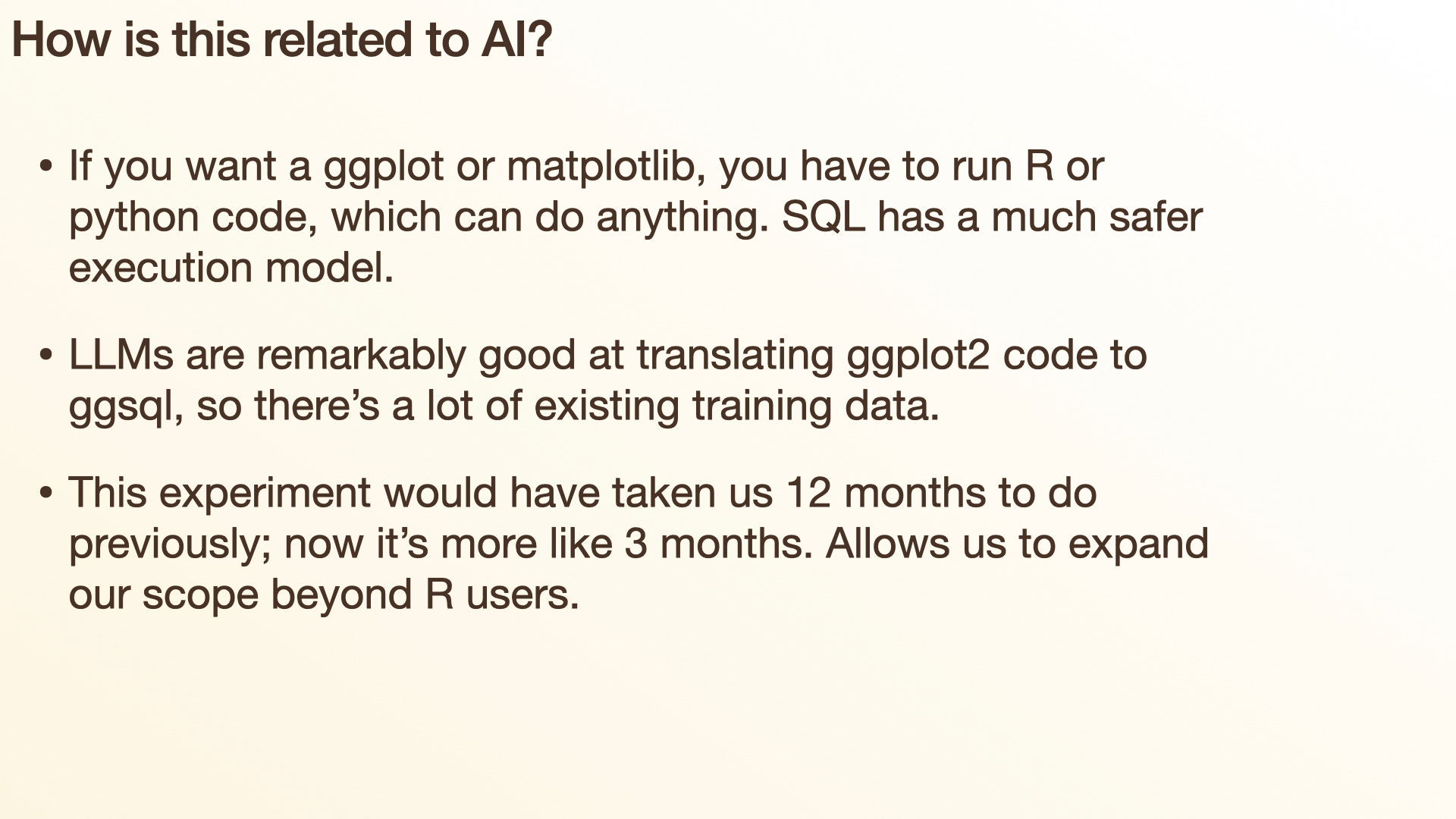
There are two other aspects that tie this work to AI. The first is that if you’re asking your LLM to generate code to create plots, and you’re doing that with R or Python, it has to be able to run R or Python code — and R or Python code can do anything. In many scenarios that’s fine: if you’re just exploring locally on your computer, you’re not going to ask it to do anything crazy, and you’re probably not going to deliberately prompt-engineer it into deleting all the files on your computer. But it certainly has that power at its fingertips. One of the advantages of ggsql is that it’s just SQL, so an LLM can generate it and we can visualize it without having to run arbitrary code.
The other, less obvious thing is that this is a project we could have done any time in the last five or ten years, but we didn’t, because it would have been a lot of work — probably a year’s worth of work to get to the point where we could ask, do people actually care about it? Now, with AI, we can run the experiment much more quickly. We can produce a tool that other people who aren’t familiar with R or Python can use, and we can do that in about three months instead of a year, and then get feedback and iterate. And the response to ggsql has been great so far, so it’s something we’ll continue to invest in.
Conclusion

So, to sum up: I’ve given you this big-picture view. The genie’s out of the bottle, and we can’t stuff it back in. But it’s not all bad news, because at least for me, working with AI can be tremendously empowering and fun. A lot of that centers around changing my self-identity: what it means to be a software developer and a data scientist, introducing a new collaborator that helps me write a lot of code.
But you still absolutely get out what you put in. It’s more important than ever to sweat the details, to go deep, to stay intellectually engaged. And I believe you can use that to produce the best work of your career.
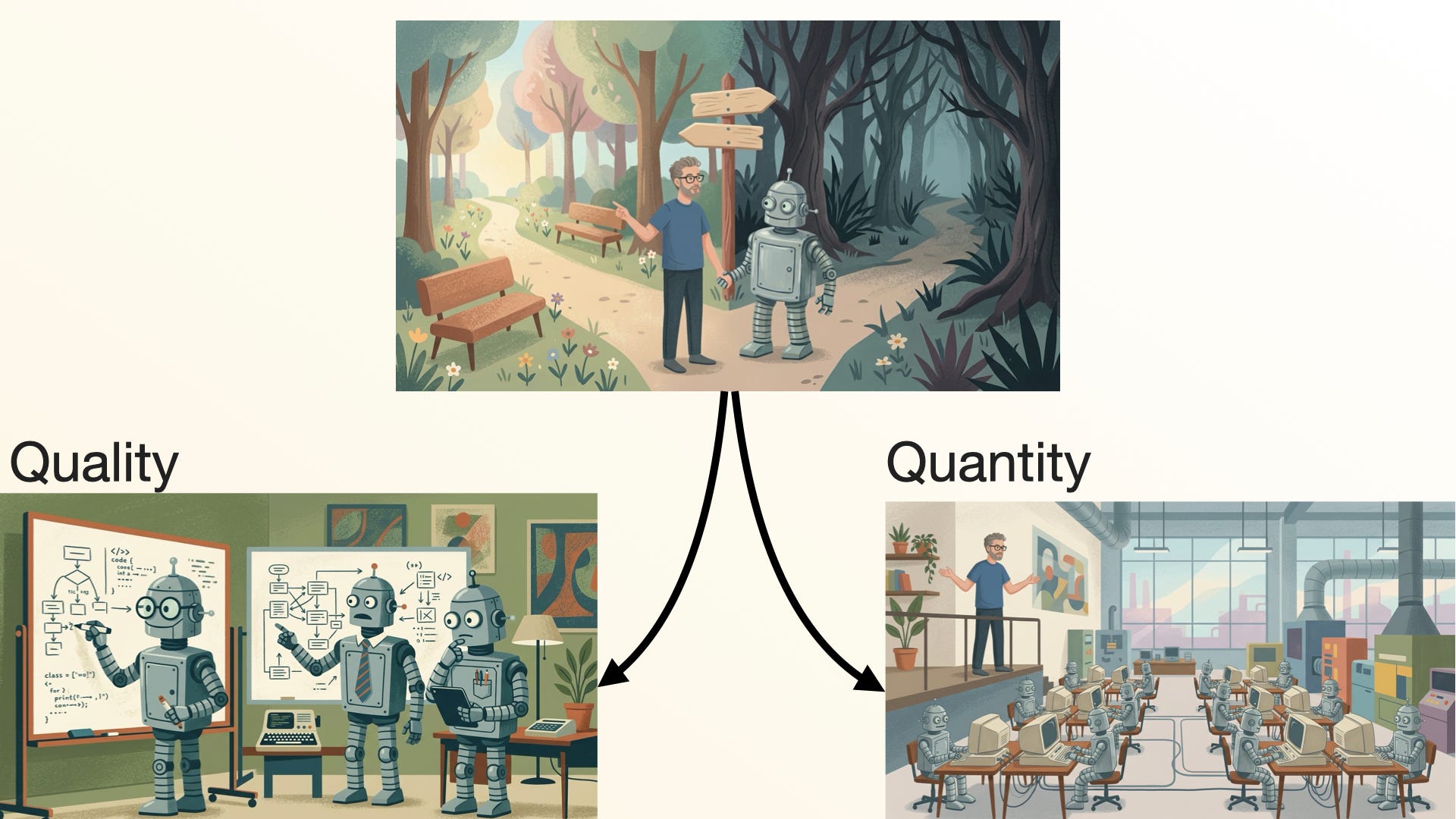
It’s really important to bear in mind that you have this choice between quality and quantity — and it’s not an either-or. There are definitely times when you just need to quickly prototype something. One thing I use Claude for, where I just don’t really care about the quality of the code, is whipping up a quick Shiny app. It’s basically free to create a Shiny app now; you can create one to answer one tiny question. I did this the other day in a data analysis: I was doing a clustering analysis and manually checking, well, how does it look with four clusters? How does it look with eight clusters? And I thought, I should just make a Shiny app. Claude can do that — give me a slider so I can drag it back and forth and look at the output. I don’t really care about that Shiny app; the quality is unimportant. That’s a great place where velocity, or quantity, is more important.
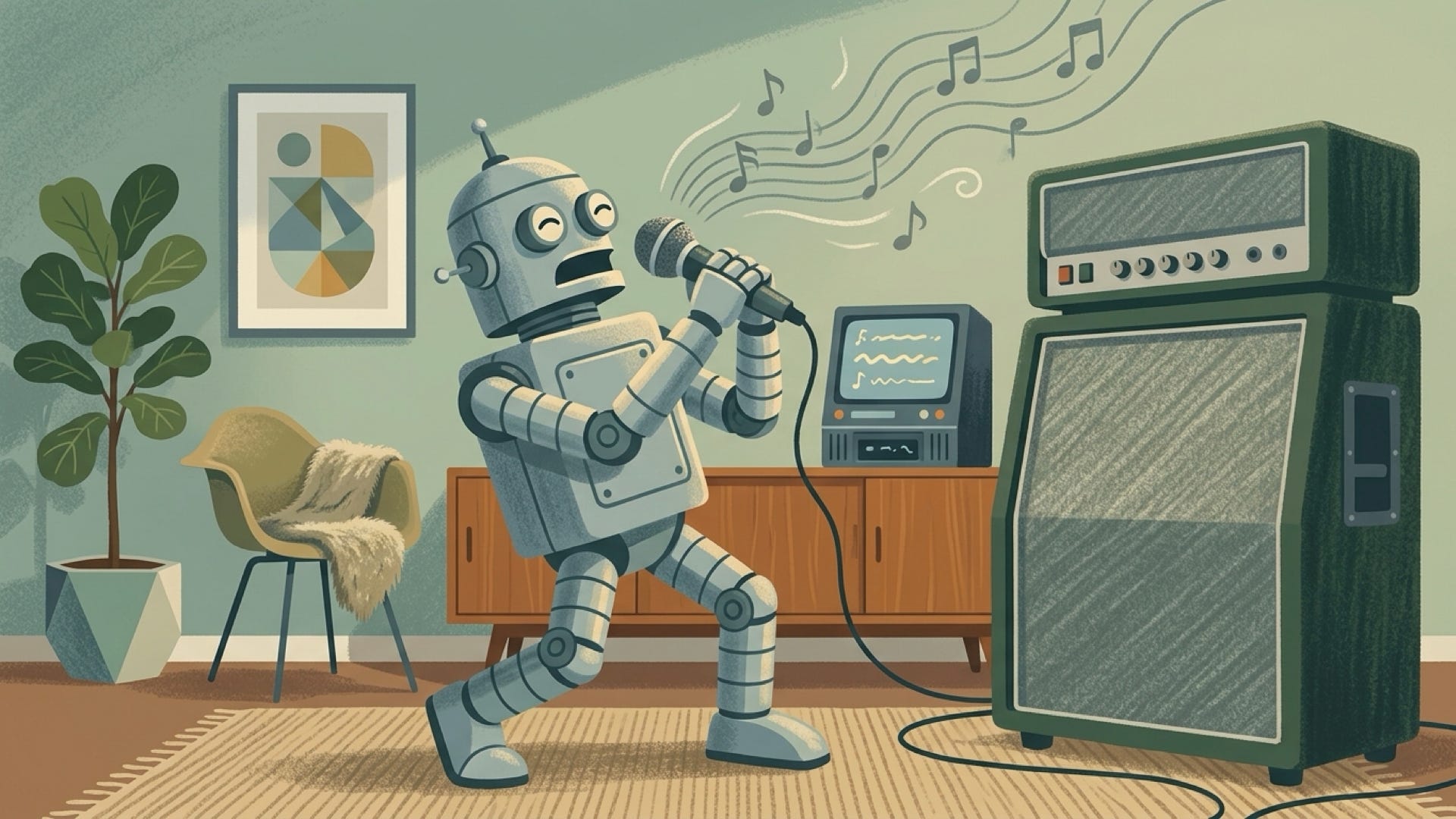
But for the stuff that you really care about, that’s important to you and your professional development, you can go deep on quality. You can use AI to pick apart your ideas, to pick apart your code, and produce high-quality work. Because at the end of the day, AI is an amplifier. And I really urge you, to the best of your abilities, to use it to amplify the best parts of you, the most human parts of you — not the laziest part.
Thank you!
If you made it all the way to the end, I’d love to know what you thought of this format 🙂. Would you like to see more of my talks in this form in the future?
As someone who lectures university Stats majors: if AI is an amplifier and you get out what you put in, my worry is that students haven’t yet built the “self” worth amplifying. How do you think we should change our teaching so they develop judgement first, rather than outsourcing it before it forms?
> Would you like to see more of my talks in this form in the future?
Yes! All of them please! And it would be great if other Posit folks, like Jenny Bryan, did the same. I find it so much more pleasant and efficient to read a cleaned up talk like this than to watch the video.